Free tool
Visio viewer: open .vsdx files online
Drop a .vsdx drawing from Visio, or a Visio export from Lucidchart or another diagram tool, and each page opens as an editable diagram with its shapes, text, containers and glued connectors in place. Save a page as an SVG or PNG image, or continue editing it in Archboard. You need neither a Visio license nor an account.
Example output
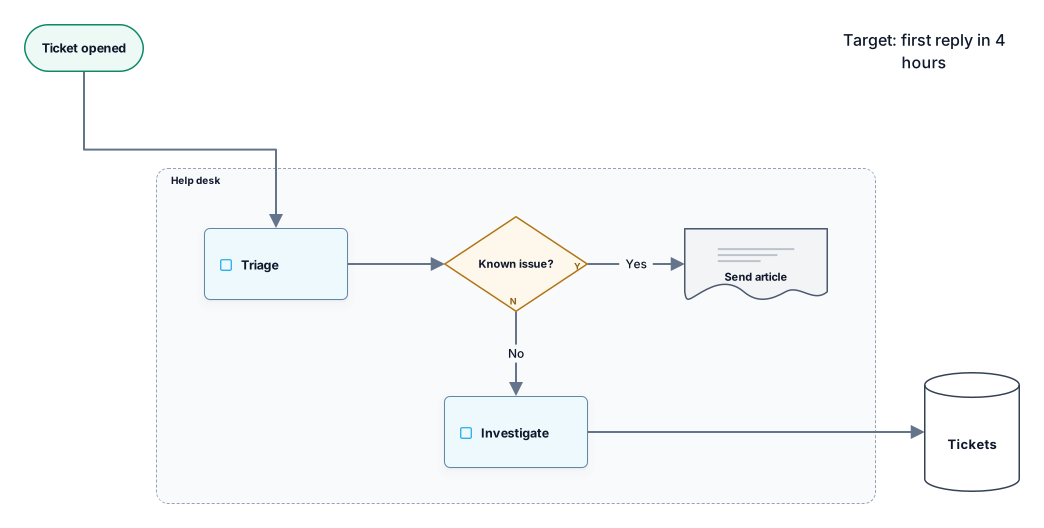
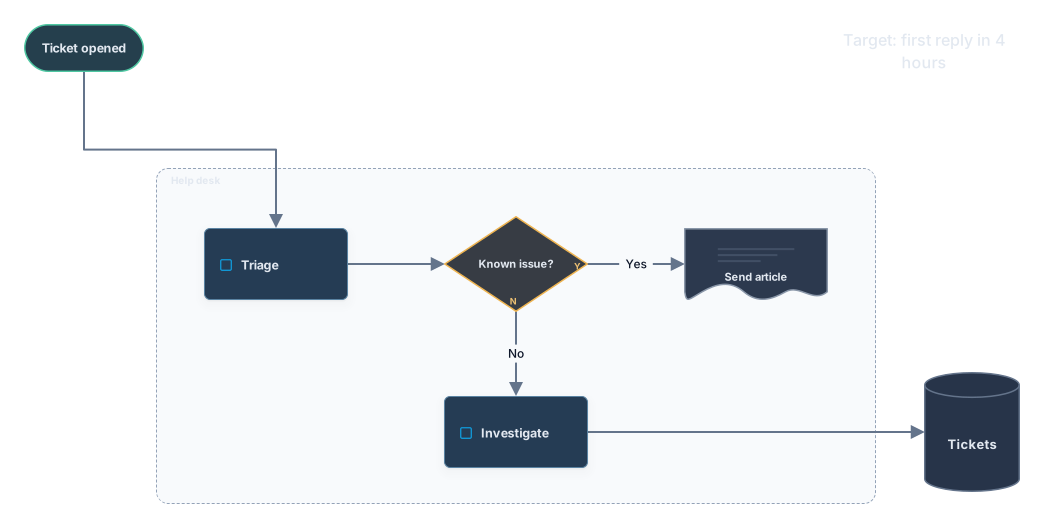
How it works
Drop your Visio drawing
Drag a .vsdx file onto the drop area or choose it from your computer. Drawings saved by Visio 2013 and later open here, and so do .vsdx exports from other tools.
Choose a page
Foreground pages are listed by name and background pages are skipped. The first page is drawn as soon as the file has been read.
Save it or keep editing
Download the page as SVG or PNG, or open it in Archboard to edit it with your team. Signing up takes a Google or GitHub account.
What the Visio viewer reads from a drawing
- Basic and flowchart masters such as Process, Decision, Document, Data and Start/End turn into the matching Archboard flowchart shapes.
- AWS and Azure stencil shapes turn into typed cloud cards that carry the shape’s text as their label.
- Containers and groups that surround other shapes become frames, so a VPC, a zone or a swimlane still holds its members.
- Glued connectors with their text and arrowheads. A connector end that only rests on a shape without being glued is attached to that shape.
- Every foreground page of the drawing under the name it has in Visio.
- Shape text, including text inherited from the master, plus the size and color a shape takes from its master when it doesn’t set its own.
Measured in inches, drawn in pixels
Visio stores positions in inches, counted from the bottom-left corner of the page. The viewer converts them to screen pixels from the top-left, applies the drawing scale when the page has one, and fills in any value a shape leaves to its master. Shapes therefore sit where they sit in Visio; only the spacing around cloud cards changes, as described below.
What the Visio viewer leaves out
- Older .vsd drawings. Save them as .vsdx in Visio first; dropping a .vsd file shows a message instead of a preview.
- Typed cards for network, computer and rack shapes. Routers, servers, printers and similar icons are drawn as boxes with their name and counted in the notes.
- The exact spacing of cloud icons. A card is larger than a stencil icon, so the gaps between icons are widened and the page comes out wider than in Visio.
- Embedded pictures and OLE objects. Ones that carry a label keep a dashed placeholder.
- Rotation. Rotated shapes are drawn upright; a quarter turn swaps their width and height.
- Theme effects such as gradients, shadows and theme fonts. Plain fill, line and text colors are kept.
Moving diagrams from Lucidchart
Lucidchart can export a document as a Visio .vsdx file. Drop that file here and each page opens like a drawing saved in Visio: shapes, text, containers and lines come across, glued lines stay attached, and shapes that exist only in Lucidchart’s libraries are drawn as boxes with their text. Open the page in Archboard to keep editing it there, or download it as SVG or PNG.
Visio viewer questions
Can I open a .vsdx file without Visio?
Yes. The viewer reads the .vsdx package itself, so a drawing that arrives as an email attachment opens here on any computer, a Mac or a Chromebook included, without a Visio license.
Does it read .vsdx files exported from other tools?
Yes, as long as they are real .vsdx packages. Exports from Lucidchart and other diagram tools that write the Visio format open the same way as drawings saved in Visio.
Why does a large drawing take a moment to open?
The whole package is unpacked and every page is counted before the first page is drawn. A page with thousands of shapes can also go over the limit for one diagram; split it into several pages in Visio if that happens.
What happens when I open the diagram in Archboard?
The preview isn’t saved. When you select Open in Archboard, the page you are looking at is saved as a new diagram in your workspace. The .vsdx file itself isn’t stored, so keep it if you need the original.
Is the Visio viewer free?
Yes. Opening drawings, switching pages and downloading SVG or PNG need no account. Opening the diagram in Archboard needs a free account.
Open a canvas in a minute
Sign in with Google or GitHub. Free for a single seat. Upgrade when the team joins.