Free tool
Mermaid to SVG converter
Convert Mermaid code into an SVG file that scales to any size without blur. Paste a flowchart, sequence diagram, class diagram or erDiagram, select Visualize, then select Download SVG. Labels stay as real text in the file, and the vector drawing fits documents, print layouts and web pages.
Example output
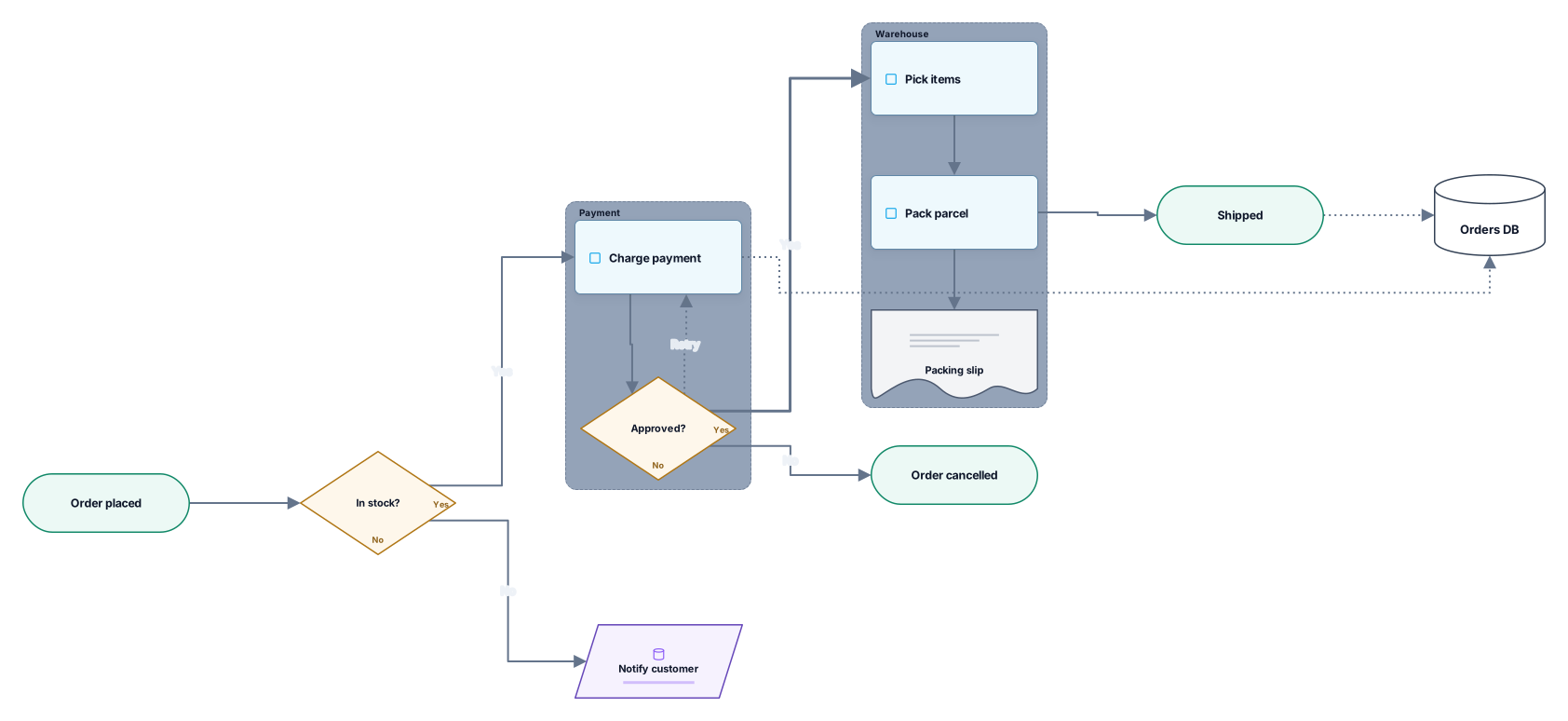
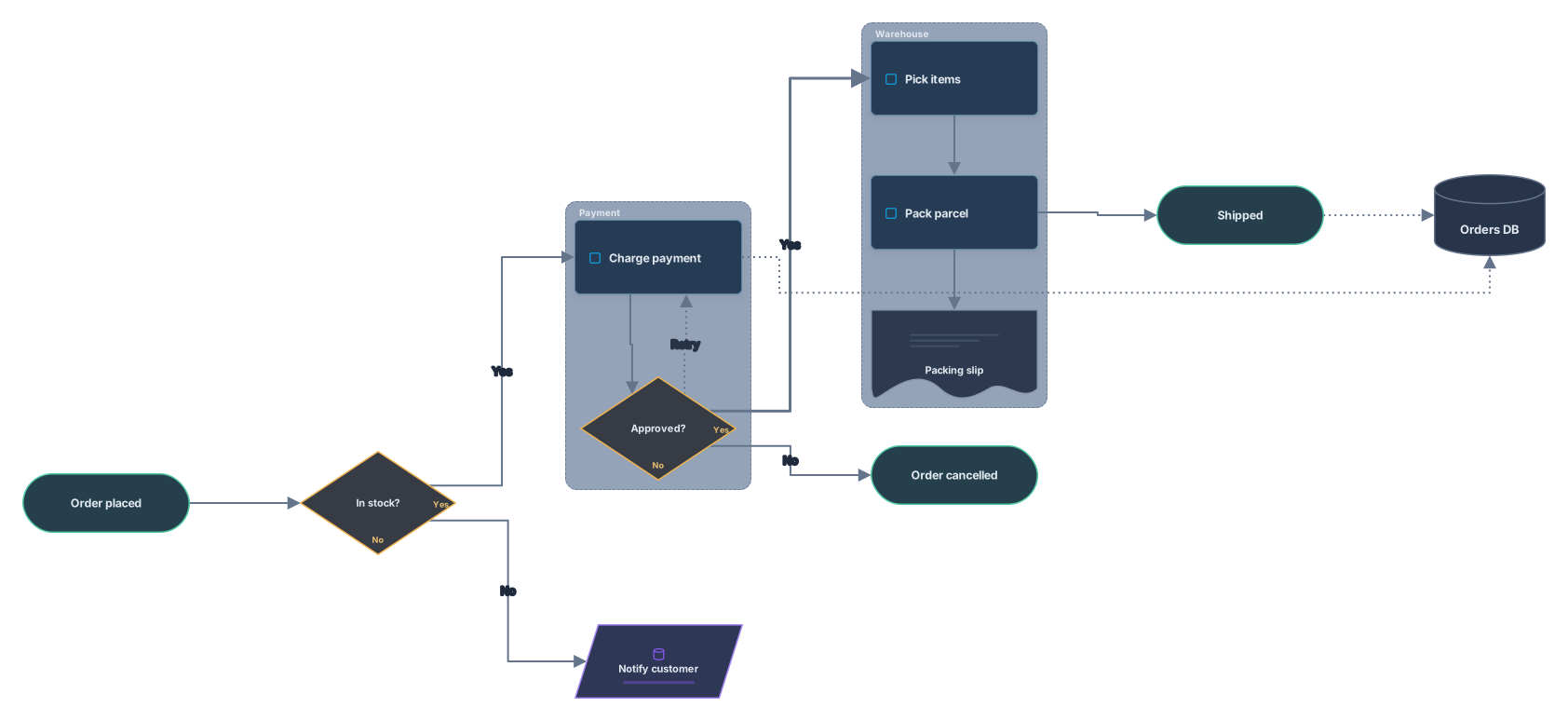
How it works
Paste your Mermaid code
A flowchart, sequence diagram, class diagram or erDiagram from a Markdown file, a README or an AI chat. A mermaid code fence around it is fine.
Download the SVG
Select Visualize, check the preview, then save the vector file. A PNG download sits next to it for places that need a bitmap.
Open it in Archboard
Save it as a new diagram to change shapes, colors and text before you export again. Signing up takes a Google or GitHub account.
What the SVG contains
These parts of your code become vector shapes and text in the file:
A[Text]Node labels as written in your code, placed inside their shapes.
B{Text}C[(Text)]Decision diamonds, database cylinders and the other bracket shapes, as clean vector outlines.
-->==>Connectors between nodes, the thick ones included, with their labels.
erDiagramerDiagram entities as tables that list columns, types and keys.
About the SVG file
The file is named archboard-mermaid.svg. It holds the same diagram as the preview, in the light or dark theme of the page, with a small Archboard mark. Shapes and lines are vector graphics and labels are text elements, so the drawing stays sharp at any zoom level. Use it in documentation sites, design files and print layouts where a bitmap would blur.
What the SVG download leaves out
- The structure of an SVG made by Mermaid itself: this file is drawn by Archboard, so its elements and layout differ from Mermaid output.
- Animation: the file is a still drawing, even where an edge is set to animate in your code.
- An SVG without the Archboard mark: every SVG from this page includes it. The editable diagram lives in Archboard.
- State, Gantt and pie charts and other Mermaid types, which this page doesn’t convert.
SVG download questions
Is the text in the SVG still text?
Yes. Labels are written as text elements, not turned into outlines or pixels, so they stay crisp at every size.
Will the SVG stay sharp when I make it bigger?
Yes. Every shape, line and label is vector, so you can scale the diagram up for a poster or down for a document without blur. If a chat or slide tool doesn’t accept SVG, use Download PNG instead.
Which colors does the SVG use?
The colors of the page theme you see, light or dark, with the Archboard shape palette. Mermaid themes and classDef colors aren’t carried over. To change colors, open the diagram in Archboard and export again.
What happens when I open the diagram in Archboard?
The preview on this page isn’t saved. When you select Open in Archboard, the diagram you see, with its shapes, labels and connections, is saved as a new diagram in your workspace, where you can rearrange, annotate, share or export it. It’s a starting point: later changes to your Mermaid code don’t update it.
Is the Mermaid to SVG converter free?
Yes. Converting Mermaid code and downloading the SVG needs no account. Opening the diagram in Archboard needs a free account.
Open a canvas in a minute
Sign in with Google or GitHub. Free for a single seat. Upgrade when the team joins.