Free tool
Sequence diagram generator from Mermaid code
Generate a sequence diagram from Mermaid code. Paste a sequenceDiagram, select Visualize, and every participant gets a lifeline, every message becomes an arrow in time order, and notes and alt, loop or par blocks are drawn around the messages they cover. Download SVG or PNG, or keep editing the diagram in Archboard.
Example output
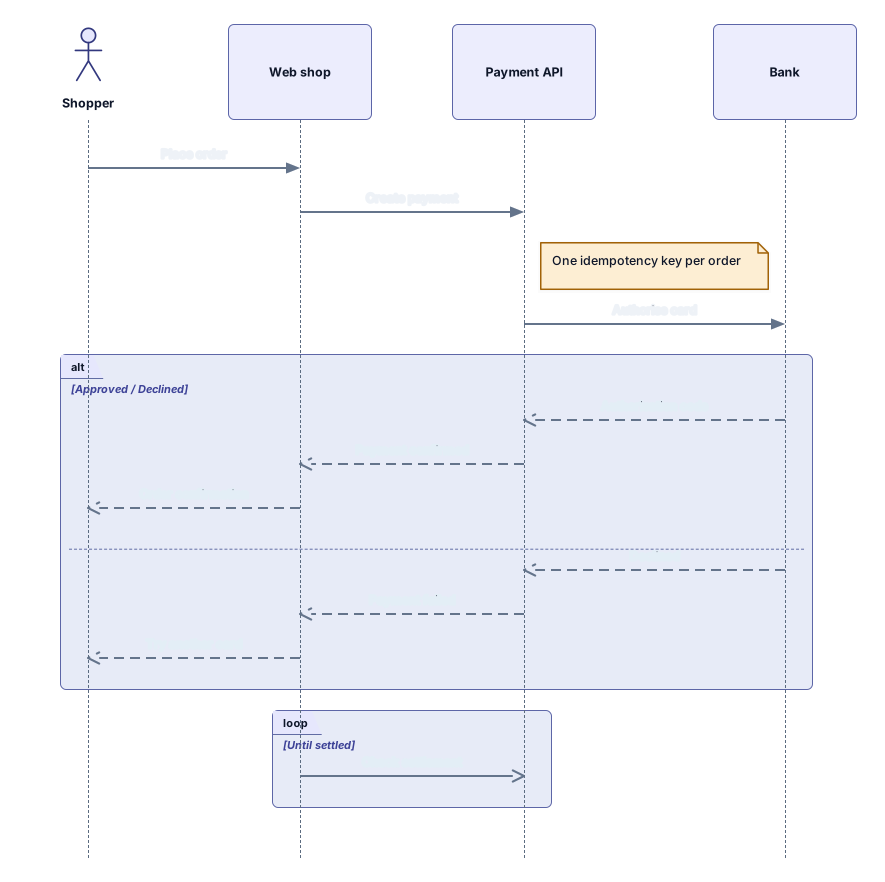
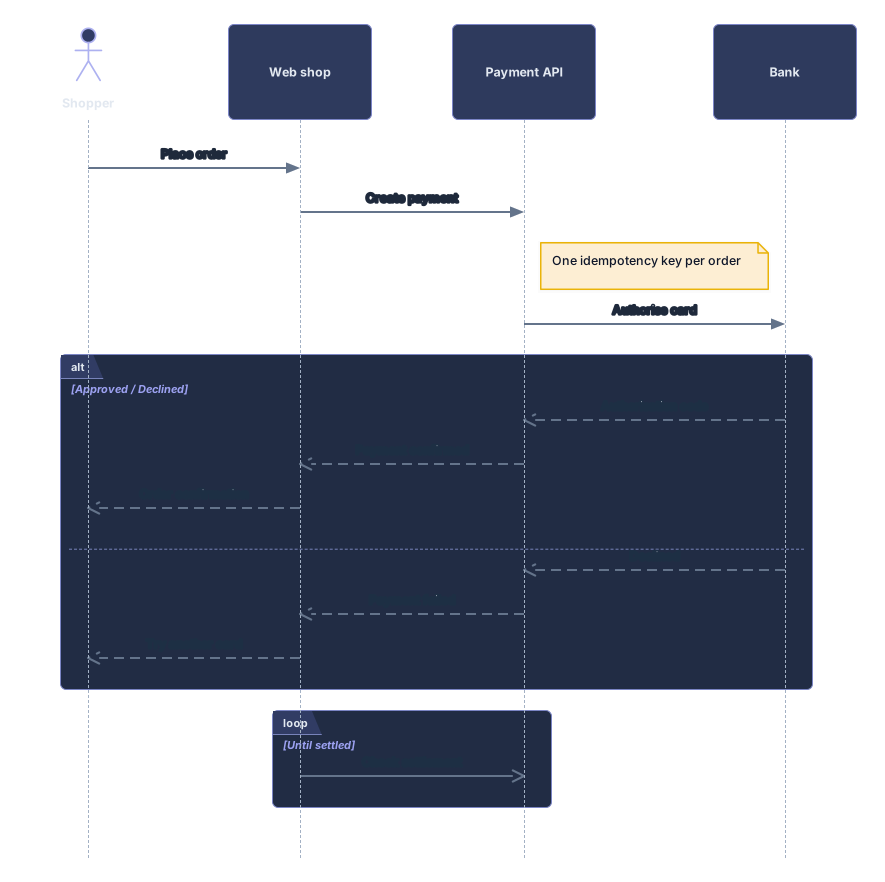
How it works
Paste your sequenceDiagram
Copy it from a Markdown file, a README, a pull request or an AI chat answer. A mermaid code fence around it is fine.
See the lifelines and messages
Select Visualize. Participants line up across the top and the messages run down the page in the order you wrote them.
Open it in Archboard
Save it as a new diagram to move lifelines, reword messages and add notes. Signing up takes a Google or GitHub account.
Sequence diagram syntax the generator reads
Each row is a piece of Mermaid sequence syntax and what it turns into on the canvas:
participant A as Alias · actor U- Participants and actors become lifelines in the order they are declared or first used. An alias written after as becomes the label on top.
->> · -->> · -) · -x- Solid arrows are drawn as calls, dashed arrows with an open head as replies, open-ended arrows as async messages and arrows ending in x as lost messages.
A->>A: text- A message from a participant to itself is drawn as a short loop on its own lifeline, with the text next to it.
alt … else … end · loop · opt · par … and- alt with else, loop, opt, par with and, critical and break become one framed block over the messages inside. Branch conditions share the block label.
Note right of A · Note over A,B- Notes left of, right of or over one or two participants become note cards beside or across the lifelines, at the point in time where you wrote them.
How the generator lays out the diagram
Participants sit in one row and every message gets its own horizontal line, top to bottom, so the order you read in the code is the order you see. Lifelines grow with the number of messages, blocks wrap the messages they cover, and labels stay above their arrows. In Archboard every lifeline, note and block is a separate shape: drag a participant sideways and its messages follow it, or turn a call into a reply.
What the sequence diagram leaves out
- Activation bars: activate, deactivate and the plus and minus shortcuts on arrows are read, but no bar is drawn. A warning says how many were skipped.
- Message numbers from autonumber: each message keeps its own text, without a number in front.
- box groups and rect background colors: the participants and messages inside them are drawn, without the colored band around them.
- Two-way sync with your code: what you change in Archboard stays in Archboard, and editing the Mermaid text later doesn’t redraw the saved diagram.
Sequence diagram questions
Can I paste a sequence diagram written by ChatGPT or Claude?
Yes. AI assistants usually answer with a mermaid code block, and the generator reads the code inside it, even with text before or after the fence. If a line uses syntax the reader doesn’t know, the error names that line so you can fix it.
How tall does the diagram get?
Each message gets a row of its own, so the lifelines run from the participant row down to the last message. A long conversation makes a tall diagram; in Archboard you can split it into two diagrams or move blocks apart.
Does this page read other Mermaid diagram types?
It reads sequenceDiagram only. For flowcharts, erDiagram and classDiagram code, use the Mermaid to editable diagram tool. If you paste another type here, a message names the types this page reads.
What happens when I open the diagram in Archboard?
The preview on this page isn’t saved. When you select Open in Archboard, the diagram you see, with its shapes, labels and connections, is saved as a new diagram in your workspace, where you can rearrange, annotate, share or export it. It’s a starting point: later changes to your Mermaid code don’t update it.
Is the sequence diagram generator free?
Yes. Generating the diagram and downloading SVG or PNG needs no account. Opening it in Archboard needs a free account.
Open a canvas in a minute
Sign in with Google or GitHub. Free for a single seat. Upgrade when the team joins.