Free tools
Free tools: turn code into editable diagrams
Paste Kubernetes, Docker Compose, Terraform, CloudFormation, SQL, Prisma, DBML, GitHub Actions, GitLab CI, or Mermaid code. The format is detected for you, and you get a diagram you can download or open in Archboard to keep editing.
Example outputs
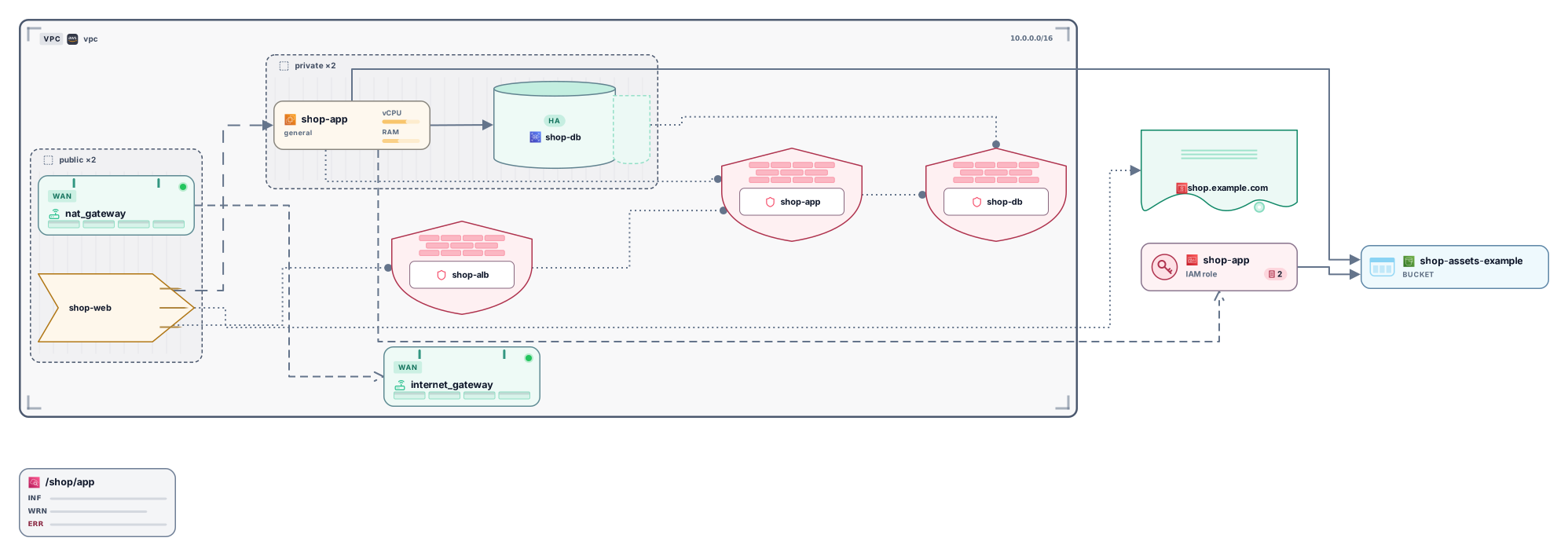
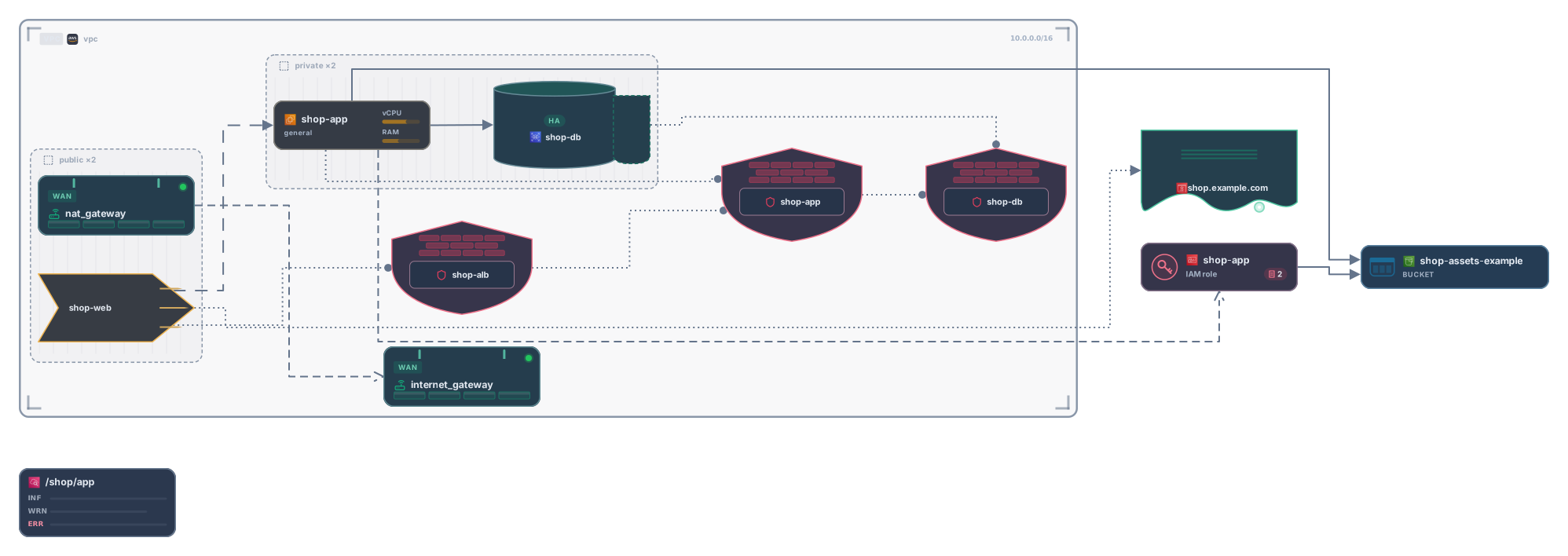
Terraform
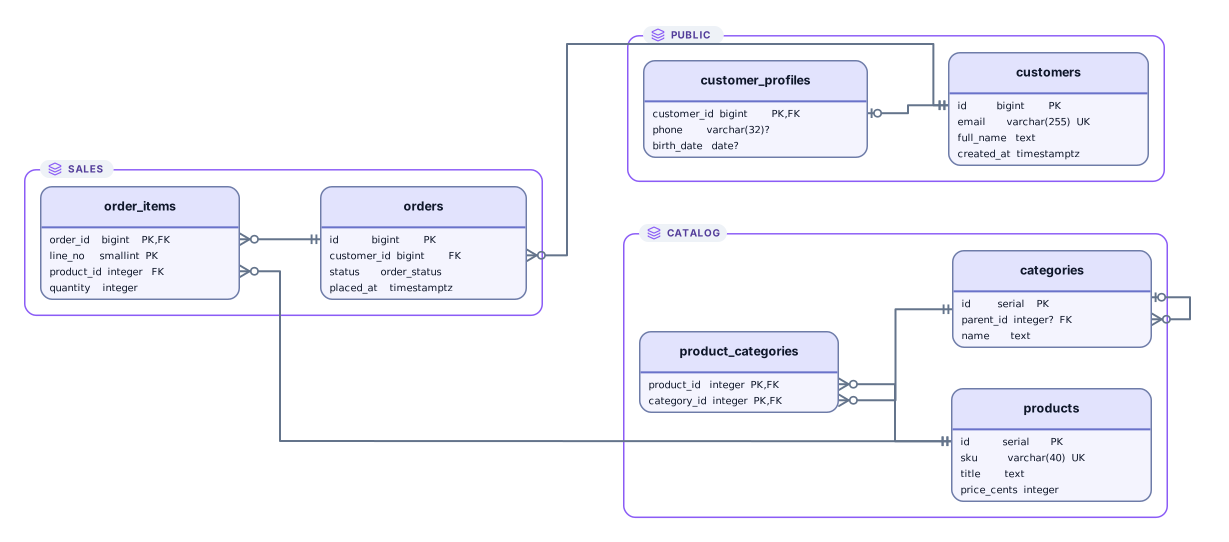
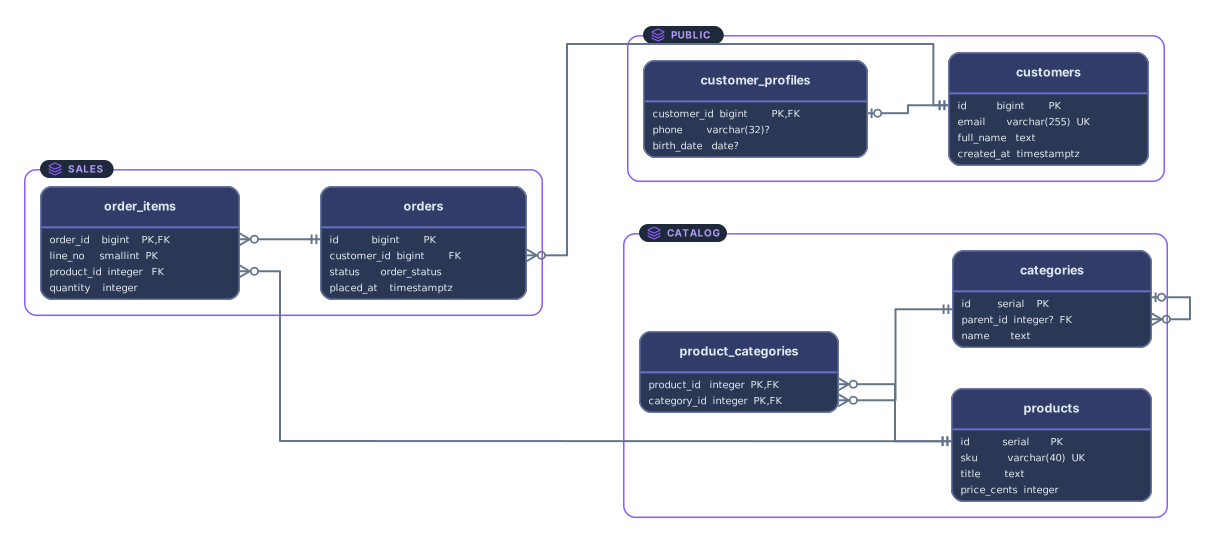
SQL
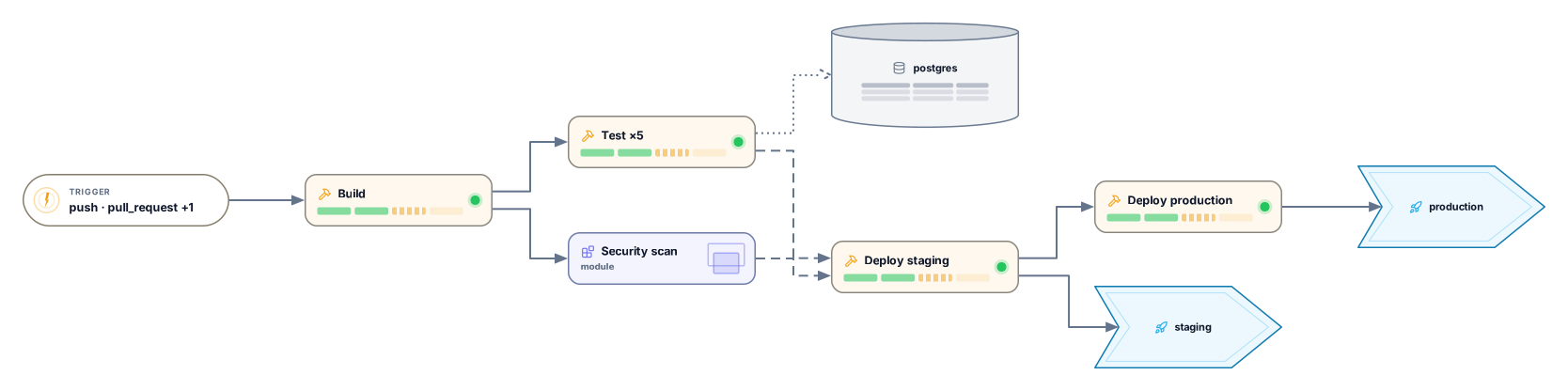
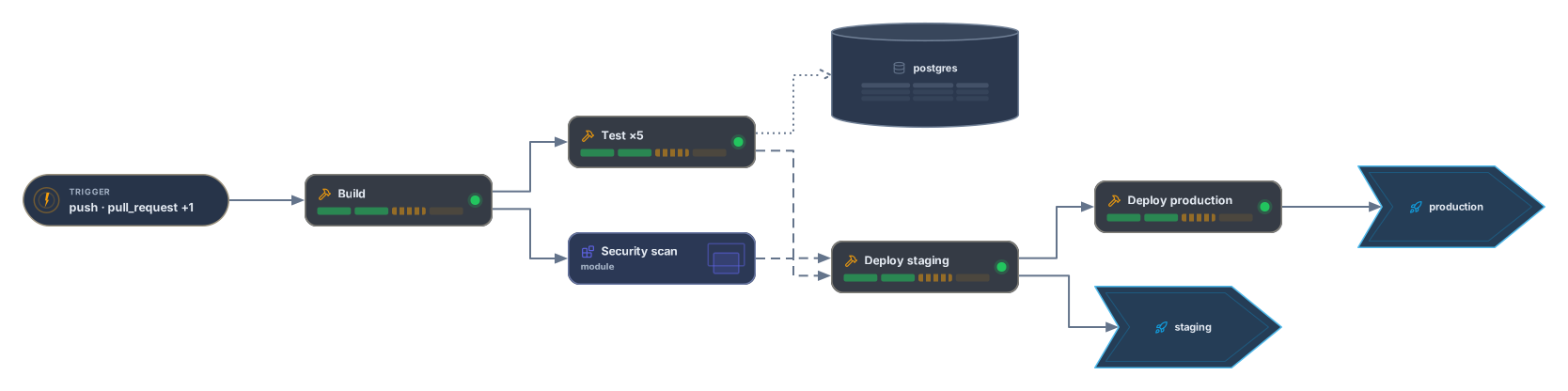
GitHub Actions
Tools by format
Each tool has its own page that explains what it reads, what it draws and what it leaves out.
Containers
- Kubernetes YAML to diagram
Turns manifests or kubectl get -o yaml output into namespaces, workloads and Services, connected the way the YAML wires them.
*.yamlkubectl get -o yamlhelm template
- Docker Compose to diagram
Turns a docker-compose.yml into services, networks, volumes and depends_on links.
compose.yamldocker-compose.yml
Infrastructure
- Terraform to diagram
Turns .tf files or plan JSON into VPCs, subnets and resources with their references.
*.tfterraform show -json
- CloudFormation to diagram
Turns YAML or JSON templates, SAM included, into resources linked by Ref and GetAtt.
template.yamltemplate.jsonsam buildcdk synth
Databases
- SQL to ER diagram
Turns CREATE TABLE statements or a dump into tables, keys and foreign keys, and detects the dialect.
CREATE TABLEALTER TABLE
- PostgreSQL to ER diagram
Turns pg_dump --schema-only output into tables, schemas and foreign keys.
pg_dump --schema-only
- MySQL and MariaDB to ER diagram
Turns mysqldump and Workbench scripts into tables and foreign keys, MariaDB included.
mysqldump --no-data
- SQL Server to ER diagram
Turns T-SQL scripts from SSMS into tables, keys and foreign keys.
T-SQLGO
- SQLite to ER diagram
Turns sqlite3 .schema output into tables and foreign keys.
sqlite3 .schema
- Prisma schema to ER diagram
Turns a schema.prisma into models and relations, implicit many-to-many included.
schema.prisma
- DBML to ER diagram
Turns DBML into tables, refs and table groups.
TableRef
CI pipelines
- GitHub Actions visualizer
Turns a workflow file into triggers, jobs, needs and environments.
.github/workflows/*.yml
- GitLab CI visualizer
Turns a .gitlab-ci.yml into stage columns, jobs, needs and child pipelines.
.gitlab-ci.yml
Diagram code
- Mermaid flowchart to editable diagram
Turns a flowchart or erDiagram into shapes you can drag and edit.
flowcharterDiagram
How it works
Paste your code
Paste the contents of a file or drop the file on the box. The tool recognizes the format; you can also pick it yourself.
See the diagram
Resources, tables or jobs become cards, grouped in frames and connected the way your code wires them.
Download it or open it in Archboard
Download an SVG or PNG with an Archboard watermark, or open the diagram in Archboard to rearrange, annotate, share and export it.
Questions
Are the tools free?
Yes. Pasting code, viewing the diagram and downloading it as SVG or PNG need no account. Opening it in Archboard needs a free account.
What happens when I open a diagram in Archboard?
The diagram you see is saved as a new diagram in your workspace, where you can rearrange it, add notes, share it or export it. It’s a starting point: later changes to your code don’t update the diagram.
Which formats can I paste?
Kubernetes, Docker Compose, Terraform, CloudFormation, SQL, Prisma, DBML, GitHub Actions, GitLab CI, and Mermaid. The tool cards on this page list the files and commands each tool reads, and each tool’s page explains what it leaves out.
Open a canvas in a minute
Sign in with Google or GitHub. Free for a single seat. Upgrade when the team joins.