Free tool
Kubernetes YAML to diagram
Paste Kubernetes manifests or kubectl -o yaml output and see your namespaces, Ingress, Services, Deployments and their connections as a diagram. No account needed to try it.
Example output
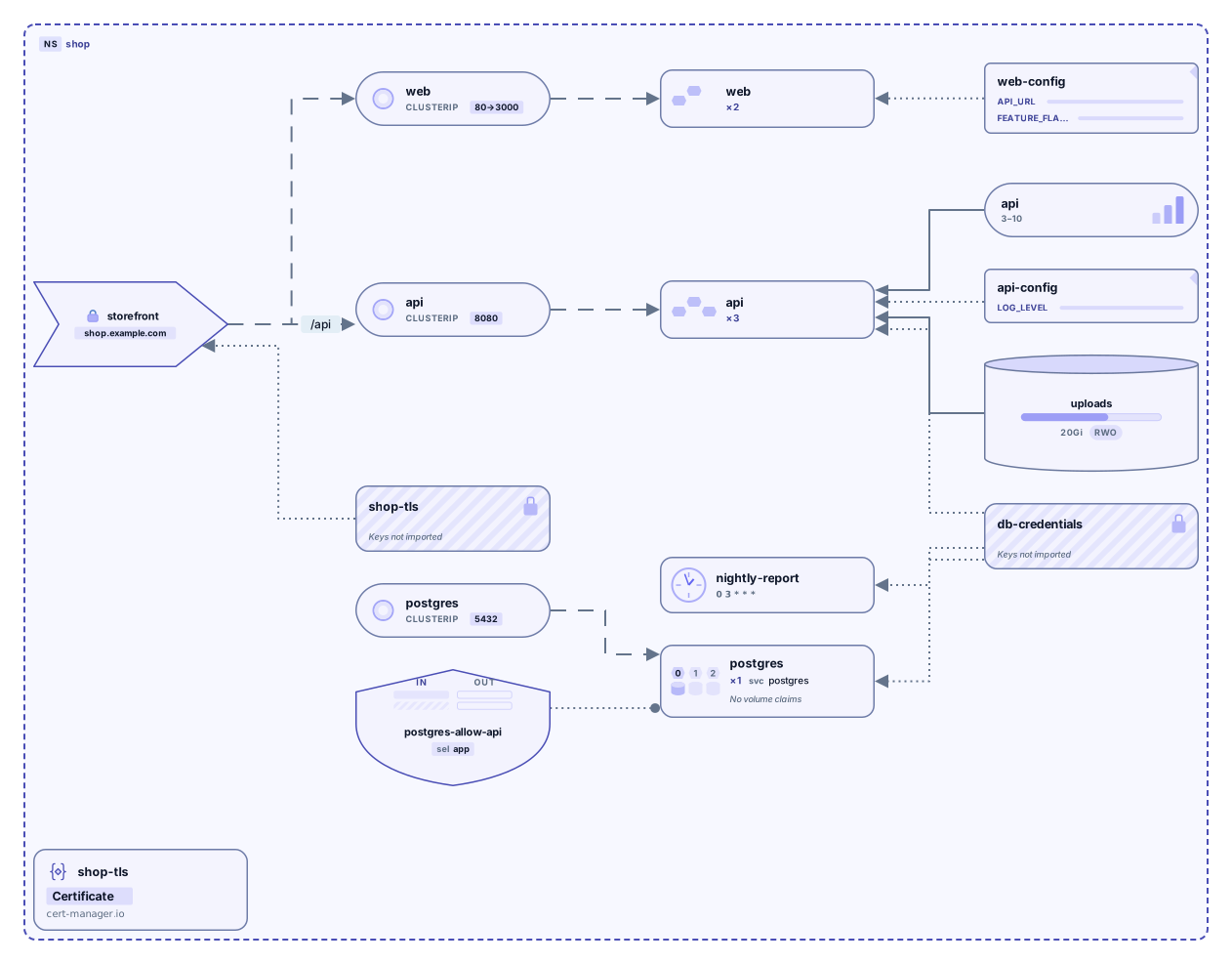
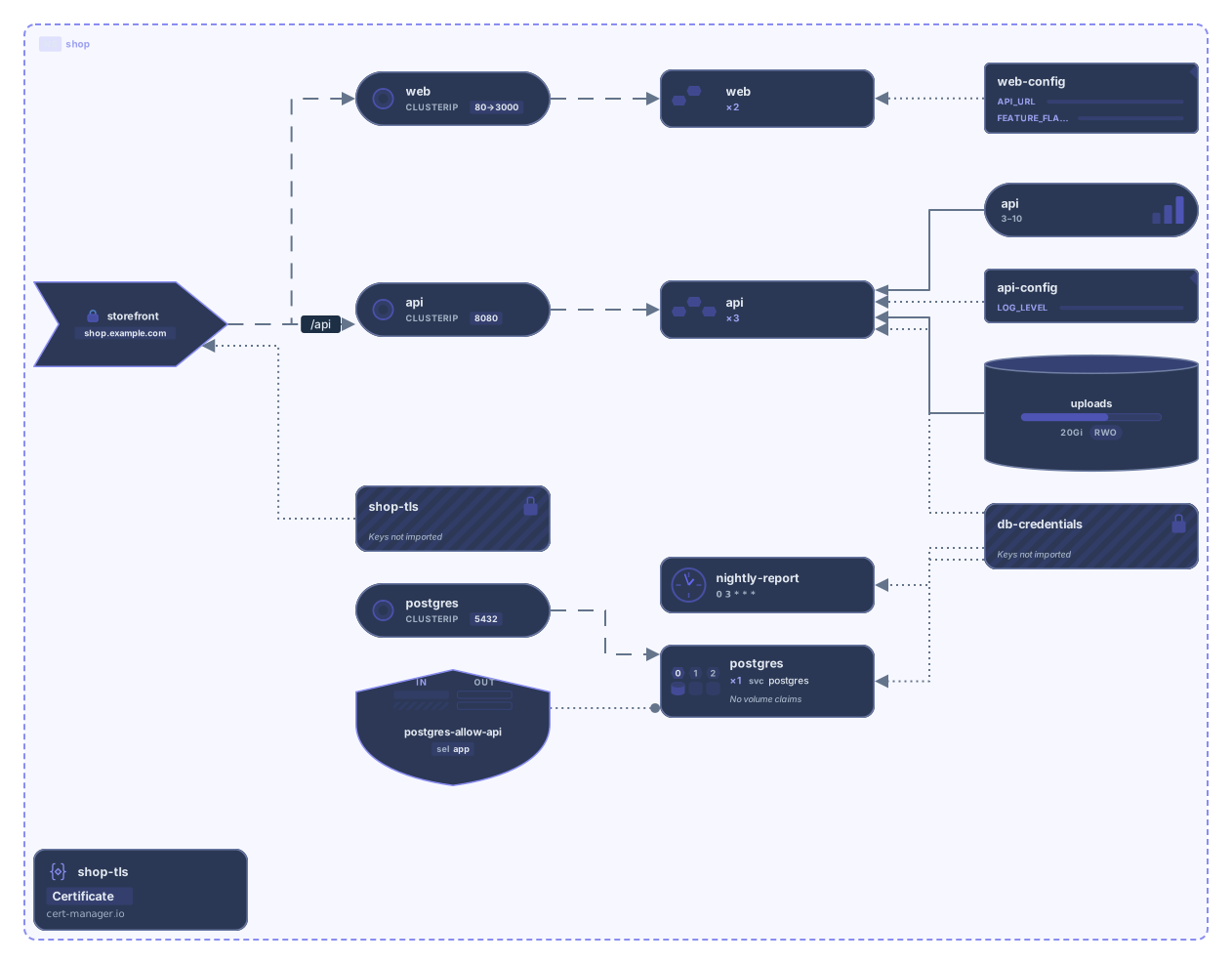
Have a docker-compose.yml? Try the Docker Compose tool
How it works
Paste or drop your YAML
Manifests you wrote by hand, kubectl get -o yaml output, or rendered Helm output. Several resources separated by --- work, and so does a kind: List.
See the diagram
Namespaces become frames. Ingress, Services, workloads, ConfigMaps, Secrets, and volumes are laid out and connected the way the YAML wires them.
Open it in Archboard
Save it as a new diagram to rearrange, annotate, share a link, or export SVG and PNG. Signing up takes a Google or GitHub account.
Supported resource types
These 37 resource types are drawn as their own nodes:
Workloads
- Pod
- Deployment
- StatefulSet
- DaemonSet
- ReplicaSet
- Job
- CronJob
- Node
Networking
- Service
- Ingress
- IngressClass
- Gateway
- HTTPRoute
- GRPCRoute
- TCPRoute
- TLSRoute
- UDPRoute
- NetworkPolicy
Configuration and secrets
- ConfigMap
- Secret
Storage and scaling
- PersistentVolumeClaim
- PersistentVolume
- StorageClass
- HorizontalPodAutoscaler
- VerticalPodAutoscaler
Access (RBAC)
- ServiceAccount
- Role
- ClusterRole
- RoleBinding
- ClusterRoleBinding
Policy
- PodDisruptionBudget
- ResourceQuota
- LimitRange
- MutatingWebhookConfiguration
- ValidatingWebhookConfiguration
Extensions
- CustomResourceDefinition
Grouping
- Namespace
A Namespace is drawn as a frame around everything inside it.
Any other kind (a cert-manager Certificate, an Argo Rollout, any custom resource) is drawn as a Custom Resource card showing its kind and API group, inside its namespace. Only resources the cluster or Helm creates automatically (Events, default service accounts, kube-root-ca.crt, Helm release records) are left out, and the result says how many.
What the diagram shows, and what it doesn’t
Shows
- Namespaces as frames, with their resources inside
- Ingress rules connected to the Services they route to
- Services connected to the workloads their label selectors match
- ConfigMaps, Secrets, and PersistentVolumeClaims connected to the workloads that use or mount them
- HorizontalPodAutoscalers connected to what they scale, and NetworkPolicies to the workloads they select
- ServiceAccounts connected to the workloads that run as them, and RoleBindings to their Roles and ServiceAccounts
- Gateway API Gateways connected to their routes, and routes to their backend Services
- CustomResourceDefinitions connected to the custom resources they define
Doesn’t show
- Which services call each other at runtime (YAML describes how resources are wired, not live traffic)
- Secret data and environment variable values (only names are read)
- Live cluster state such as status, events, or resource usage
- kubectl get table output (run the command with -o yaml instead)
Questions
Can I paste kubectl output?
Yes, as YAML: run kubectl get with -o yaml (for example, kubectl get deploy,svc,ingress -n shop -o yaml) and paste the result. Fields Kubernetes adds, such as status, uid, and timestamps, are ignored. The default table output isn’t supported.
Does it work with Helm charts?
Render the chart first with helm template and paste the output. Unrendered templates that still contain Go template placeholders can’t be read as YAML.
What happens when I open the diagram in Archboard?
The diagram you see (shapes, names, and connections) is saved as a new diagram in your workspace, where you can rearrange it, add notes, share it, or export it. It’s a starting point: later changes to your YAML don’t update the diagram.
Is the tool free?
Yes. Pasting YAML and viewing the diagram needs no account. Opening it in Archboard needs a free account.
Open a canvas in a minute
Sign in with Google or GitHub. Free for a single seat. Upgrade when the team joins.