Free tool
Docker Compose to diagram
Paste a docker-compose.yml and see its services, networks, volumes, and dependencies as a diagram. No account needed to try it.
Example output
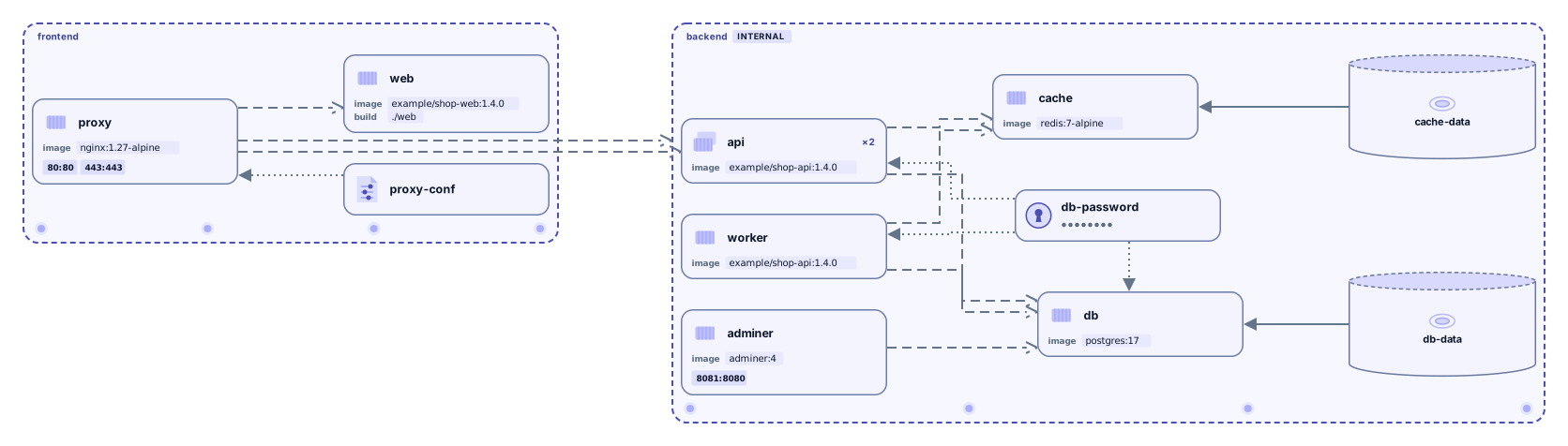
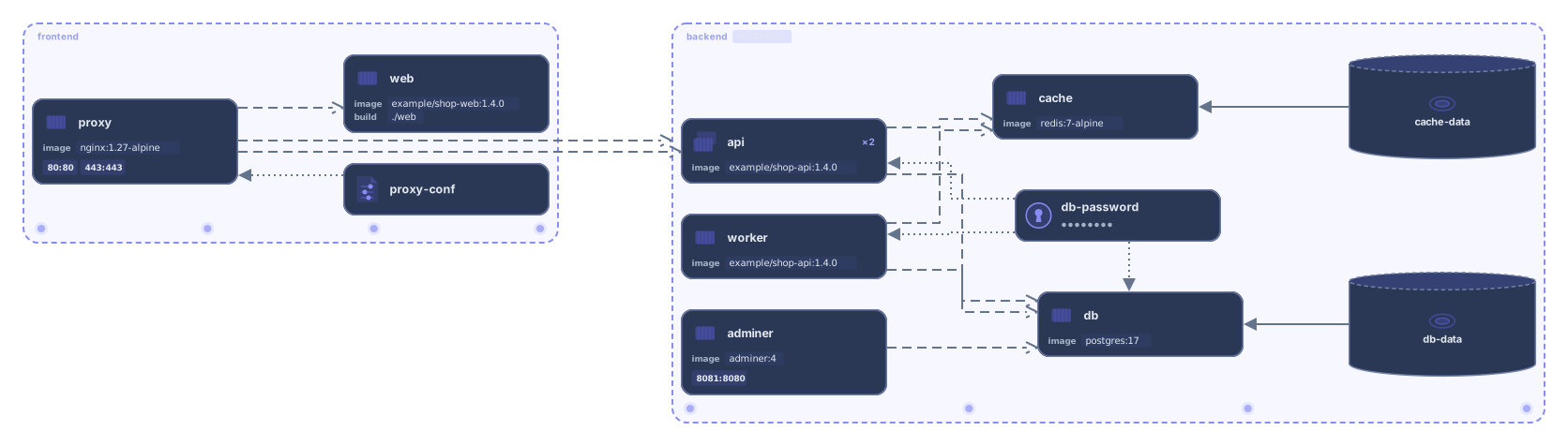
Have Kubernetes manifests? Try the Kubernetes YAML tool
How it works
Paste or drop your Compose file
A docker-compose.yml or compose.yaml, the same file you run with docker compose up. YAML anchors and x- extension fields are fine.
See the diagram
Services become cards with their image, ports, and replicas. Networks become frames, and named volumes, secrets, and configs are connected to the services that use them.
Open it in Archboard
Save it as a new diagram to rearrange, annotate, share a link, or export SVG and PNG. Signing up takes a Google or GitHub account.
What’s drawn from a Compose file
The diagram is built from these keys in your file:
servicesEach service as a card, named after its key
imagebuildThe image, or the build context for services built from source
portsPorts such as 8080:80 or 80, without the host IP; the long syntax is shown as published:target, plus the protocol when it isn’t TCP
deploy.replicasscaleReplica counts from deploy.replicas or scale
volumesNamed volumes, connected to the services that mount them
secretsconfigsSecrets and configs by name only, connected to the services that use them
networksNetworks as frames, with each service inside the frame of its first network
depends_onConnections from a service to the services it depends on
Without a networks key, the whole project is drawn as one frame. With networks, each service sits in the frame of its first network and is linked to the frames of the other networks it joins.
What the diagram doesn’t show
- Which services call each other at runtime (depends_on sets start-up order, and a Compose file describes how services are wired, not live traffic)
- Environment variable values, env_file contents, and what’s inside secrets and configs (only names are read)
- Running containers, health status, logs, or resource usage
- Fields inherited with extends (even from a service in the same file) and services from files pulled in with include: only the fields written in each service are drawn
Questions
Which Compose files work?
Any docker-compose.yml or compose.yaml with a top-level services key, including older files that start with a version line. Paste one file at a time.
What about variables and .env files?
Variables aren’t filled in: an image or port written with a variable is shown exactly as written. The values under environment and the files listed in env_file aren’t read.
Can I paste an override file or several files?
Paste one file at a time. An override file such as docker-compose.override.yml is read on its own, so paste the file with the services you want to see, or combine the files into one first. Files pulled in with include aren’t followed, and extends isn’t resolved. Even within the same file, only the fields written in that service are drawn.
What happens when I open the diagram in Archboard?
The diagram you see (shapes, names, and connections) is saved as a new diagram in your workspace, where you can rearrange it, add notes, share it, or export it. It’s a starting point: later changes to your Compose file don’t update the diagram.
Is the tool free?
Yes. Pasting a Compose file and viewing the diagram needs no account. Opening it in Archboard needs a free account.
Open a canvas in a minute
Sign in with Google or GitHub. Free for a single seat. Upgrade when the team joins.