Use case
Brainstorming boards
Sticky notes, stickers, and frames on a hosted canvas: capture every idea, sort them into themes, and keep the board after the meeting.
Scenario
A product team has one hour to find ways to cut onboarding drop-off: everyone adds notes to the same board at once, the facilitator groups them as they land, and the best three ideas need owners before the call ends.
Write one idea per note, colour the notes by theme, and group them in frames. Mark the ideas worth pursuing with a sticker or a stamp, then turn them into next steps on the same canvas. Share a branded public link or export SVG/PNG; Pro adds embed and watermark-free PDF/JPEG.
What you draw
Brainstorming boards
- A heading note with the question for the session
- Rows or frames for problems, ideas, and next steps
- One sticky note per idea, coloured by theme
- Stickers and stamps on the ideas the group picks
- A checklist of next steps with owners
- A mind map when one idea needs more room
Why Archboard
Archboard is a hosted diagram workspace, so a brainstorm does not end as a photo of a wall. Notes stay editable, the board autosaves with revision snapshots, and the same canvas can grow the winning idea into a flowchart, a roadmap, or a plan.
Packs on this canvas
Core · Stickers · Mind map
Every built-in pack is on Free (3 diagrams, 15 diagram nodes + 150 notes, text, stickers & mind map topics each, branded public share, live editing with your AI agents). Pro adds unlimited diagrams and nodes, seats for teammates to edit live, embed, and watermark-free export ($10/seat/month).
Scope
Teammates with a seat add notes at the same time and see each other’s live cursors, AI agents can join through MCP, and anyone with the public link can watch. There are no timers or built-in voting; mark the picks with stickers or stamps. The board autosaves and keeps revisions.
How a session goes
Start from the brainstorm template after Google or GitHub sign-in
Write the question at the top and replace the prompt notes with the group’s ideas
Group similar notes, recolour them by theme, and mark the strongest with a sticker
Turn the top ideas into next steps and share the board link with everyone who joined
Starting template
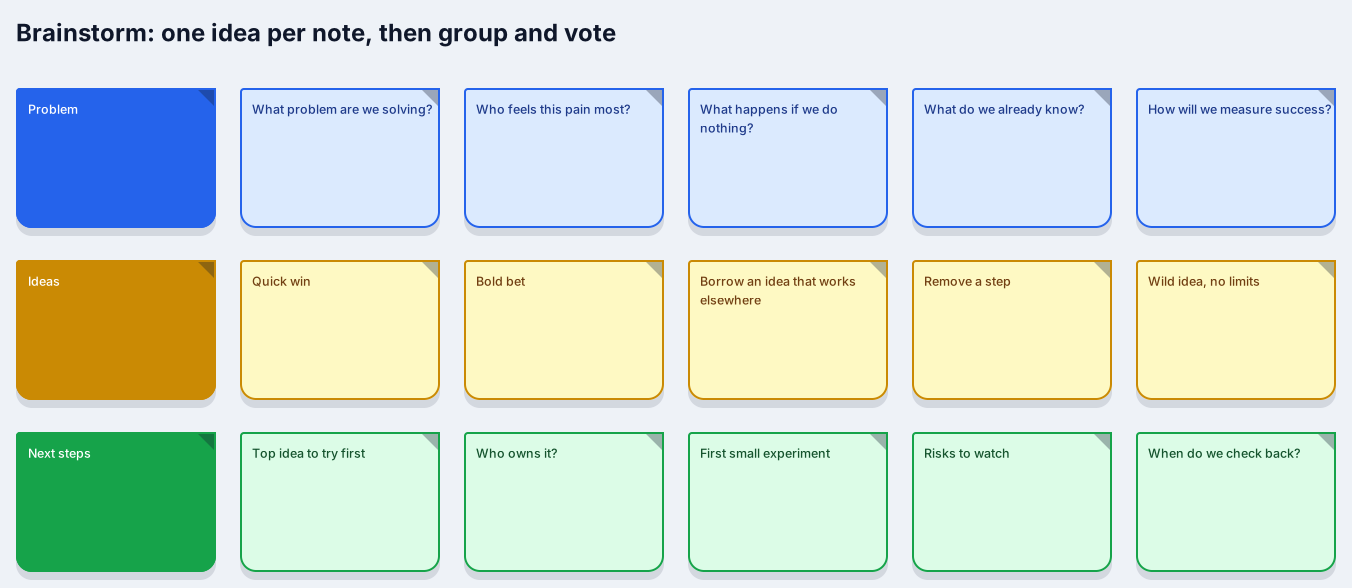
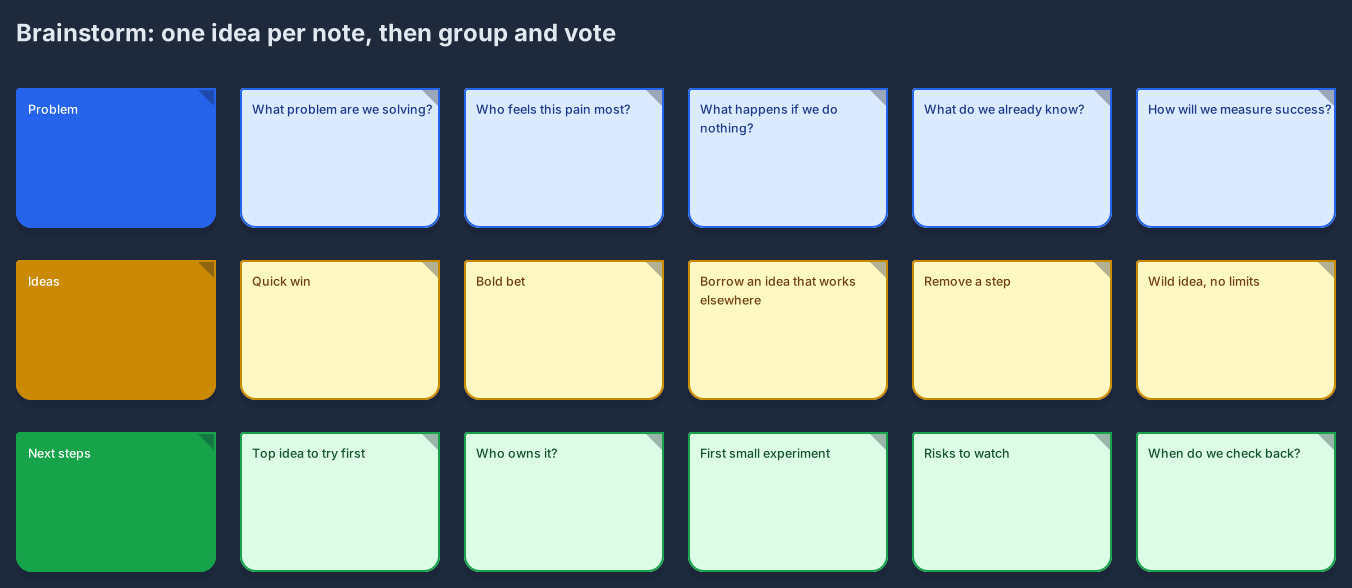
Brainstorm board
The Brainstorm board template opens three rows (problem, ideas, next steps), each with five prompt notes. Rewrite the question for your session and keep one idea per note.
Opens an editable copy in your workspace. New to Archboard? Sign in with Google or GitHub and the copy opens right after.
Brainstorming boards that survive the meeting
Most brainstorms end as a photo of a wall of sticky notes, or as a whiteboard someone wipes before the next meeting. The ideas were good for an hour; a week later nobody can read the photo or remember which notes won. A brainstorming board on a hosted canvas keeps the session alive. Every idea is a sticky note you can move, recolour, and group; frames hold the themes; stickers and stamps mark the ideas the group picked; and the board autosaves, so the result is still there, and still editable, when the follow-up meeting starts.
Good sessions follow a simple rhythm. Agree on the question first and write it at the top of the board. Collect ideas quietly before anyone discusses them, one idea per note, so the loudest voice does not set the agenda. Then cluster similar notes, name each cluster, and decide which ideas deserve a next step. Everyone with edit access can add notes at the same time and see each other’s live cursors, so the facilitator can cluster ideas as they arrive, and teammates can still add notes before or after the meeting.
From sticky notes to next steps
The value of a brainstorm is what happens next. Sort a large pile of notes into themes with the affinity map template, explore the strongest idea further as a mind map, and turn the winners into a checklist with owners and dates on the same canvas. Save a revision snapshot when the session ends, share a branded public link with everyone who joined, and export SVG or PNG for the meeting notes. Pro adds embed for your team wiki plus watermark-free PDF and JPEG.
Product teams use it for discovery and kick-offs, marketing teams for campaign ideas, managers for planning sessions, and teachers for classroom brainstorms where every student gets a note. Eight note colours, emoji stickers, and stamps such as Top pick or +1 make the board readable at a glance without a legend. Sign in with Google or GitHub, start from the brainstorm template, and run your next session on a board that will still exist next week.
Start from a template
- Brainstorm boardRows for the problem, ideas, and next steps, each with five prompt notes to get a quiet group talking.
- Affinity mapColumns for pain points, likes, ideas, and questions, plus an unsorted pile to cluster.
- Mind mapA central idea with four branches for when one idea needs to be explored on its own.
Questions
Can the whole team add sticky notes at the same time?
Yes. Teammates with edit access add notes at the same time and see each other’s live cursors, and anyone with the public link can watch the board fill up. There are no timers or built-in voting; mark the picks with stickers. The board autosaves and keeps revisions.
Is there built-in voting or a timer?
No. Mark the ideas the group picks with a sticker or a stamp such as Top pick or +1, and keep time with any timer you like. The marks stay on the board, so the decision is still visible later.
How is a brainstorm board different from a mind map?
A brainstorm collects many independent ideas first and sorts them afterwards. A mind map grows one idea outward as a tree. Many sessions use both: brainstorm broadly, then map the winning idea in detail on the same canvas.
Open a canvas in a minute
Sign in with Google or GitHub. Free for a single seat. Upgrade when the team joins.