Free tool
CloudFormation to diagram
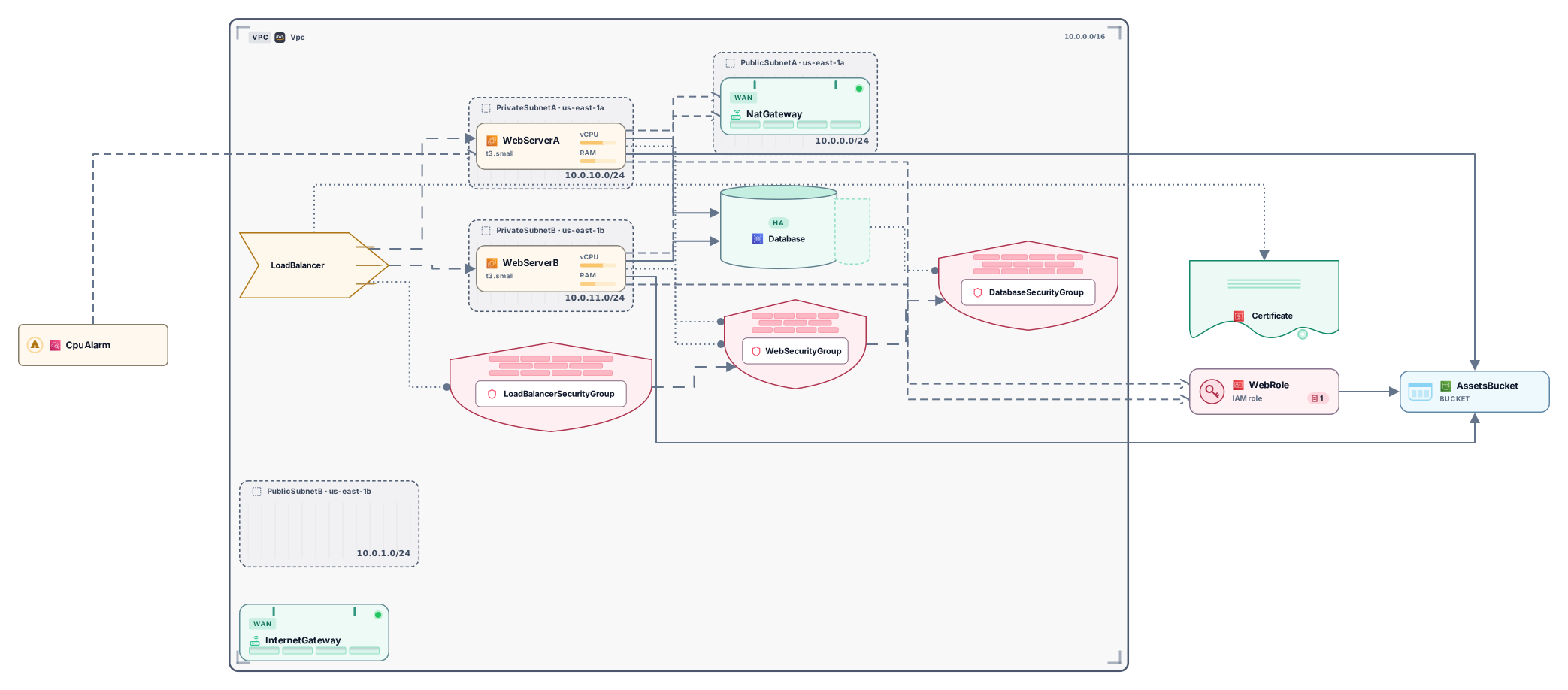
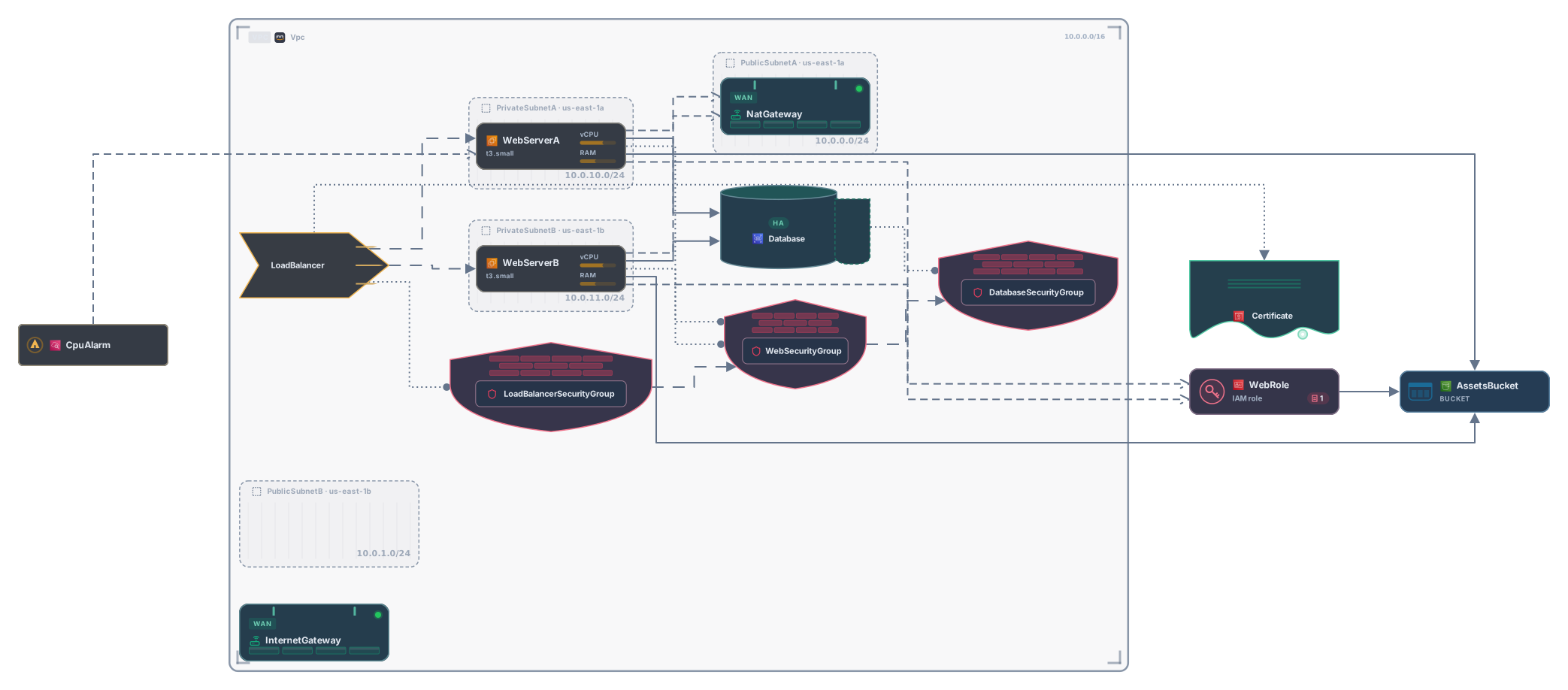
Paste a CloudFormation template in YAML or JSON, an AWS SAM template or cdk synth output, and get an editable AWS architecture diagram. Resources become cards inside their VPC and subnets, and Ref, GetAtt and DependsOn become connections. No account needed to try it.
Example output
How it works
Paste or drop your template
A template.yaml or template.json as you deploy it, short tags like !Ref and !Sub included, or the template that cdk synth produces. Comments and the long Fn:: forms are fine.
See your stack
Each resource becomes a card for its AWS service. VPCs and subnets become frames around what runs in them, and references between resources become connections.
Open it in Archboard
Save it as a new diagram to rearrange cards, add notes, share a link, or export SVG and PNG. Signing up takes a Google or GitHub account.
What’s drawn from a CloudFormation template
The diagram comes from the Resources section of your template and these properties:
ResourcesTypeEntries under Resources as cards for their Type, such as AWS::Lambda::Function or AWS::RDS::DBInstance. Glue types such as event source mappings, SNS subscriptions and security group ingress rules become connections, and custom resources appear as generic cards.
!Ref!GetAtt!SubA connection wherever a property points to another resource with Ref, Fn::GetAtt or a name inside Fn::Sub, in short or long form. References inside Fn::If are dashed, since a condition decides them.
DependsOnDependsOn entries, whether they name one resource or list several, as dashed connections, unless a reference already links the same two resources. DependsOn on a resource that isn’t drawn, such as AWS::EC2::VPCGatewayAttachment, adds no connection.
VpcIdSubnetIdVPCs as frames that hold their subnets, and resources placed through VpcId, SubnetId, SubnetIds or VpcConfig: inside their subnet, or in the VPC frame when they span several subnets.
EventsConnectorsSAM function events as connections from the API route, labeled like POST /orders, or from the queue, bucket, stream or rule that starts the function. Schedules become trigger cards, and Connectors become Read or Write connections.
aws:cdk:pathFor cdk synth output, cards take readable names from aws:cdk:path instead of generated logical IDs, constructs with two or more resources become frames, and CDKMetadata and CDK’s own helper resources are hidden.
AWS::CloudFormation::StackEach nested stack as one card, connected from the resources passed in as parameters and to the resources that read its outputs.
AWS SAM templates
A template with Transform: AWS::Serverless-2016-10-31 is read as written, without running sam build. Functions, APIs, HTTP APIs, simple tables, state machines and nested applications get their own cards, an API that SAM creates from a function event appears as a card too, and resources referenced in Policies are connected to their function. Globals only hold shared settings, so they aren’t drawn.
What a CloudFormation diagram leaves out
- Parameter values and defaults, Mappings, Outputs and the result of Conditions: every resource is drawn, even one a condition would skip, and property values aren’t shown.
- Resources inside a nested stack or SAM application, because its child template, given by TemplateURL or Location, isn’t fetched. Values imported from other stacks with Fn::ImportValue are counted, not drawn.
- Macros and transforms other than SAM, and Fn::ForEach loops: nothing is expanded, so a ForEach loop appears as one placeholder card.
- Stack status, drift, costs, or which services call each other at runtime. The diagram shows how the template wires resources, not live traffic.
Questions about CloudFormation diagrams
Does it read both YAML and JSON templates?
Yes. A YAML template with short tags such as !Ref, !GetAtt and !Sub, the same template written with Fn:: keys, and its JSON version all give the same diagram. Comments and the AWSTemplateFormatVersion line are fine.
Can I visualize an AWS SAM template?
Yes. Paste template.yaml as it is, before sam build or sam deploy. Events on each function become connections from APIs, queues, buckets, streams and schedules, Connectors become Read or Write connections, and an implicit API gets its own card.
How do I visualize an AWS CDK app?
Run cdk synth and paste the template it prints, or drop the file named after your stack, such as MyStack.template.json, from the cdk.out folder. Cards are named after their construct paths, larger constructs become frames, and CDK metadata is hidden. Your CDK code itself, in TypeScript, Python or another language, isn’t read.
What happens to nested stacks?
Each AWS::CloudFormation::Stack resource is one card, connected to the resources it receives as parameters and to the resources that read its outputs with Fn::GetAtt. Its child template isn’t fetched; paste that template on its own to see what’s inside.
What happens when I open the diagram in Archboard?
The preview on this page isn’t saved. When you select Open in Archboard, the diagram you see, with its cards, frames, names and connections, is saved as a new diagram in your workspace, where you can rearrange, annotate, share or export it. It’s a starting point: later changes to your template don’t update it.
Is the CloudFormation visualizer free?
Yes. Pasting a template and viewing the diagram needs no account. Opening it in Archboard needs a free account.
Open a canvas in a minute
Sign in with Google or GitHub. Free for a single seat. Upgrade when the team joins.