Free tool
PlantUML editor and viewer, PlantUML to Mermaid
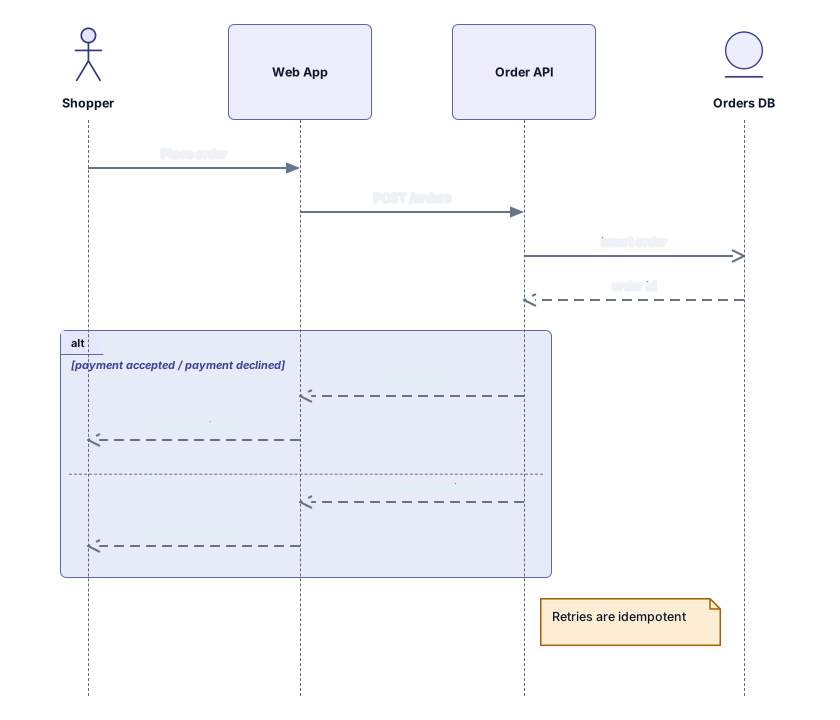
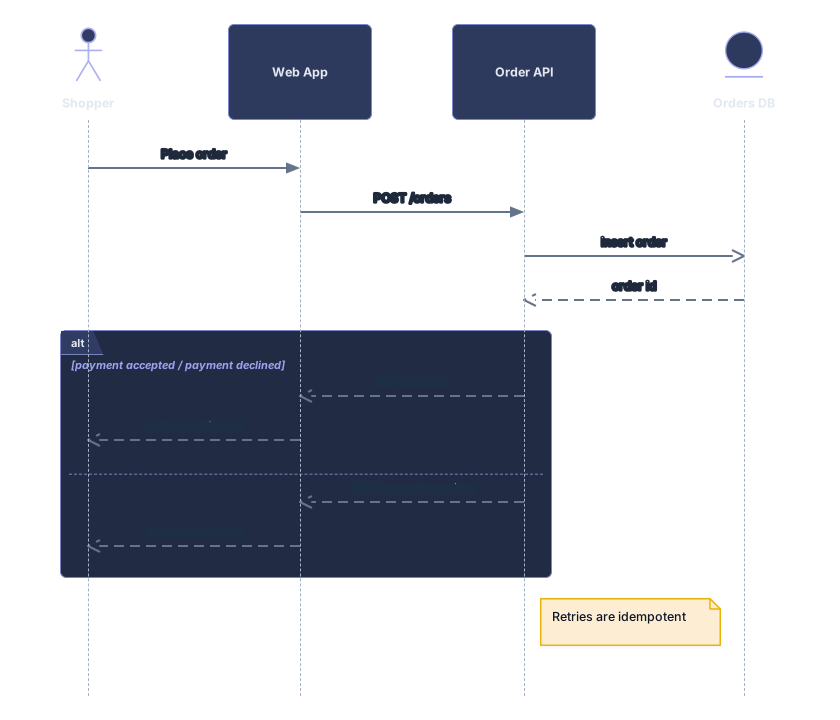
Paste PlantUML and get a diagram you can edit: sequence, class, activity and component diagrams become cards, frames and labeled connectors. Sequence and class diagrams also come out as Mermaid code, so moving a diagram from PlantUML to Mermaid is a copy and paste away.
Example output
How it works
Paste or drop your PlantUML
Text from a .puml, .plantuml or .wsd file, a wiki page or an AI answer. Several diagram blocks in one text are fine: a block picker lets you choose the one to draw.
See the diagram, or its Mermaid code
The preview draws the block with sequence, UML, flowchart or C4 cards. For sequence and class diagrams, the Mermaid tab shows the same diagram as Mermaid code.
Open it in Archboard
Save the diagram to rearrange it, add notes, share a link, or export SVG and PNG. Signing up takes a Google or GitHub account.
What’s drawn from PlantUML
Each block is read by its diagram type, and these parts become cards, frames and connectors:
participantactordatabaseParticipants, actors, boundaries, controls and entities as sequence lifelines, named by their display name; an alias only links messages to them. Database, queue and collections participants are drawn with their own lifeline types, with no warning.
->-->->>returnMessages with their text: a solid arrow is a call, a dashed arrow a reply and ->> an asynchronous message. A reversed arrow is drawn in the direction it means, a message to the same participant loops back, and return answers the last activated call.
altelseendalt and else as one fragment box around the messages they hold, with each branch condition in the box label, such as payment accepted / payment declined.
optlooppargroupopt, loop, par, break and critical blocks as fragment boxes with their operator, nested as written. A group block has no UML operator, so it becomes a box labeled group and its name, counted in a warning.
note left ofnote overNotes left of, right of or over participants, written on one line or between note and end note, as UML note cards with their line breaks.
classinterfaceenumabstractClasses, abstract classes, interfaces and enums as UML class cards, with fields and methods line by line and their visibility marks kept. Enum values fill the card, and packages and namespaces become frames around their classes.
<|--<|..*--o--..>Inheritance, realization, composition, aggregation, association and dependency with their UML arrowheads. Multiplicities and the relation label share one connector label, such as 1 … 0..* : holds.
start:action;ifwhileActivity diagrams in the new syntax as flowcharts: start and stop, actions, if and else with labeled branches, while loops that link back to their test, and partitions as frames.
[Component]databasenodepackageComponent and deployment diagrams: components, databases, actors and interfaces as C4 and shape cards, package and node groups as frames, and labeled connectors, with dashed arrows kept dashed.
@startuml@endumlSeveral diagram blocks in one text. Every block is listed in the block picker and the first one that can be drawn is shown; a mind map or Gantt block stays in the list, marked as not supported.
Which PlantUML diagrams are drawn
Sequence, class, activity in the new syntax, and component or deployment diagrams are drawn. Other PlantUML types, such as mind maps, Gantt charts, WBS, salt wireframes, state, use case, object and timing diagrams, show a message with the type’s name instead of an empty preview, so you know right away what the tool can read.
PlantUML to Mermaid
For sequence and class diagrams, the Mermaid tab above the preview writes the drawn block as Mermaid code, a sequenceDiagram or a classDiagram. Copy it or download the .mmd file, then paste it into a Markdown file, a GitHub README or a wiki. Anything Mermaid can’t express, such as a group frame or an activation bar, is left out and marked with a %% not converted comment line, so you can see what changed. Activity and component blocks are drawn in the preview but get no Mermaid code.
What a PlantUML import leaves out
- Preprocessor directives: !include, !define, !procedure, !theme and the rest aren’t evaluated, and nothing is fetched from a URL or the standard library. Each kind is counted in a warning, and the rest of the block is still drawn.
- skinparam, style blocks, hide and show, colors and scale. Shapes and colors come from the Archboard cards, and you can restyle them once the diagram is open.
- Mind maps, Gantt charts, WBS, salt, state, use case, object and timing diagrams, and the legacy activity syntax. These are named in a message instead of being drawn.
- Activation bars. activate, deactivate and the ++ and -- shortcuts are read and counted, but lifelines are drawn without bars, and the Mermaid code leaves them out as well.
- Separate labels at each end of a class relation, and arrow directions such as -up->. Multiplicities join the single connector label, and the layout picks the direction.
PlantUML questions
Can I use this as a PlantUML online editor?
Yes, for writing and checking: type or paste PlantUML, select Visualize and the preview redraws the block. To keep editing visually, open the diagram in Archboard and move cards, change labels or add notes there. The diagram doesn’t write back to the PlantUML text, which stays as you wrote it.
How do I convert PlantUML to Mermaid?
Paste a sequence or class diagram, select Visualize, then open the Mermaid tab above the preview. Copy the code or download it as a .mmd file. Lines marked %% not converted show where Mermaid has no equivalent, so check them before you publish.
My diagram uses !include. What should I do?
Paste the included file into the same text box in place of its !include line. The directive is counted in a warning instead of being followed, because only the text you give the tool is read.
Can I download the PlantUML diagram as PNG or SVG?
Yes. The preview downloads as SVG or PNG without an account. Both files carry a small Archboard mark, and the SVG keeps its labels as text, so it stays sharp in documents and slides.
What’s saved when I open the diagram in Archboard?
The preview isn’t saved. When you select Open in Archboard, the block you see, with its cards, frames and labeled connectors, is saved as a new diagram in your workspace. Later edits to the PlantUML don’t update it.
Is the PlantUML tool free?
Yes. Pasting PlantUML, viewing the diagram and its Mermaid code, and SVG or PNG downloads need no account. Opening the diagram in Archboard needs a free account.
Open a canvas in a minute
Sign in with Google or GitHub. Free for a single seat. Upgrade when the team joins.