Free tool
Mermaid to PNG converter
Turn Mermaid code into a PNG image for slides, chat threads, tickets and wiki pages. Paste a flowchart, sequence diagram, class diagram or erDiagram, select Visualize, check the preview, then select Download PNG. The picture is drawn at 2× scale and carries a small Archboard mark.
Example output
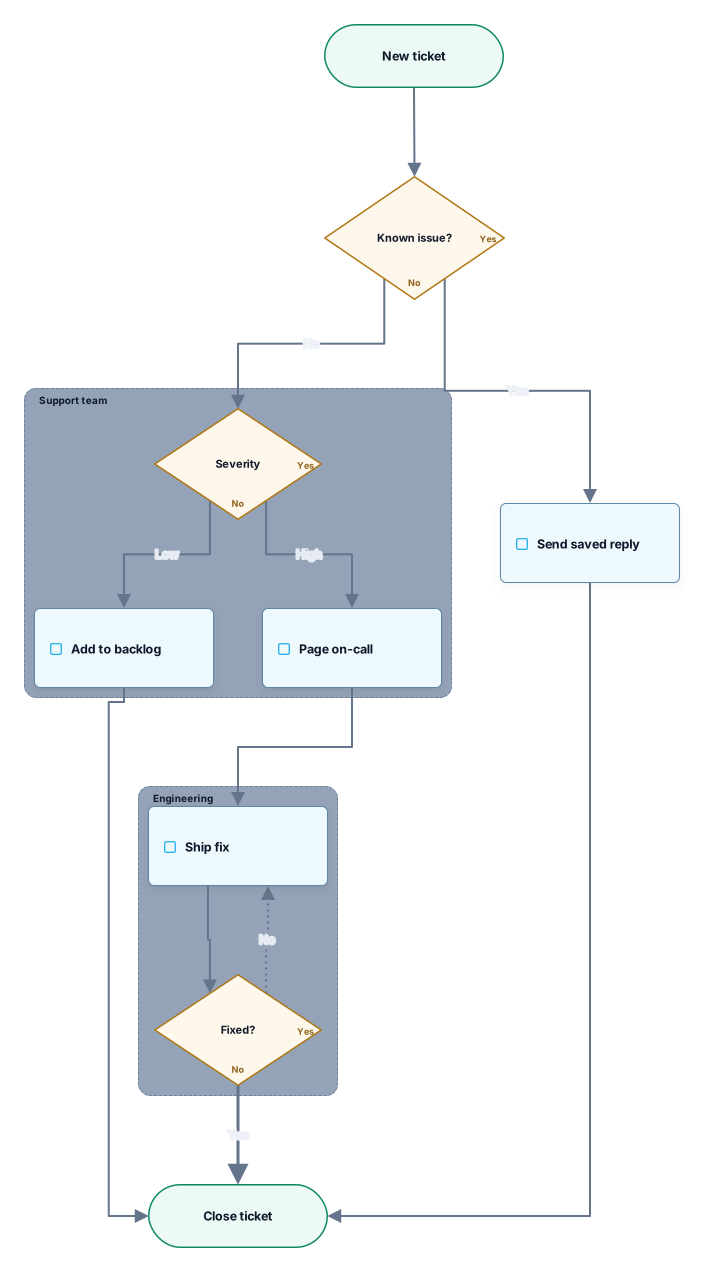
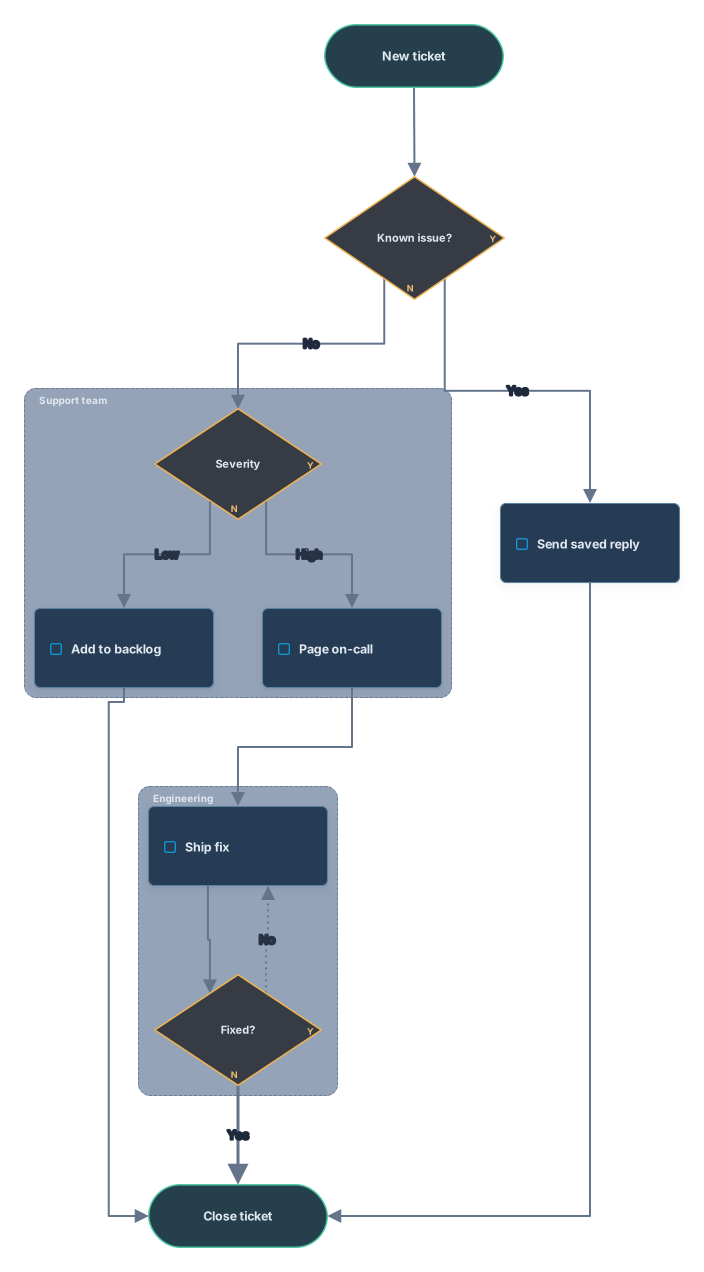
How it works
Paste your Mermaid code
A flowchart, sequence diagram, class diagram or erDiagram from a Markdown file, a README or an AI chat. A mermaid code fence around it is fine.
Download the PNG
Select Visualize, check the preview, then download the image. An SVG download sits right next to it if you need a vector file.
Open it in Archboard
Save it as a new diagram to edit shapes and text before you export again. Signing up takes a Google or GitHub account.
What ends up in the PNG
The image shows these parts of your Mermaid code:
A[Text]B{Text}Process boxes, decision diamonds and rounded start and end shapes, each with its text.
-->-.->==>Solid, dotted and thick arrows, with the words written on them, such as Yes and No.
subgraphSubgraphs as titled frames, so each team or stage keeps its own area in the picture.
erDiagramerDiagram tables with their columns and keys, joined by relationship lines.
About the PNG file
The file is named archboard-mermaid.png. It shows the same diagram as the preview, in the light or dark theme the page uses, drawn at 2× scale so small labels stay readable on slides and sharp displays. Very large diagrams get a lower scale to keep the image within limits. The PNG is a still picture.
What the PNG download leaves out
- Size, scale or background settings: there is one download, sized from the diagram itself.
- An image without the Archboard mark: PNG files from this page always carry it. For an editable copy, open the diagram in Archboard.
- State, Gantt, pie and other Mermaid types: they aren’t converted, so there is nothing to download for them.
- Mermaid’s own theme and styling: the picture uses Archboard shapes and colors, and classDef or style lines are skipped.
PNG download questions
How sharp is the PNG?
It is rendered at 2× scale, so text stays crisp when the image is scaled down on a slide or shown on a high-resolution display. Very large diagrams are rendered at a lower scale to stay within limits. There is no size setting; for a drawing that scales without limit, use Download SVG.
Why did my PNG come out dark?
The download follows the theme the page is shown in. If your system or the page is set to dark, the preview and the PNG are dark too. Switch the page to the light theme with the control in the header and download again for a light image.
Where can I use a Mermaid PNG?
Anywhere an image works: a slide deck, a chat thread, an issue or pull request, a wiki page, or a README on GitHub. Places that can’t render Mermaid code still show the picture, so readers see the diagram without any setup.
What happens when I open the diagram in Archboard?
The preview on this page isn’t saved. When you select Open in Archboard, the diagram you see, with its shapes, labels and connections, is saved as a new diagram in your workspace, where you can rearrange, annotate, share or export it. It’s a starting point: later changes to your Mermaid code don’t update it.
Is the Mermaid to PNG converter free?
Yes. Converting Mermaid code and downloading the PNG needs no account. Opening the diagram in Archboard needs a free account.
Open a canvas in a minute
Sign in with Google or GitHub. Free for a single seat. Upgrade when the team joins.