Free tool
Mermaid flowchart to editable diagram
Paste a Mermaid flowchart or erDiagram, including code copied from an AI chat, and edit your Mermaid diagram visually on a canvas where every box, arrow and table can be moved. Sequence, class and state diagrams aren’t supported yet. No account needed to try it.
Example output
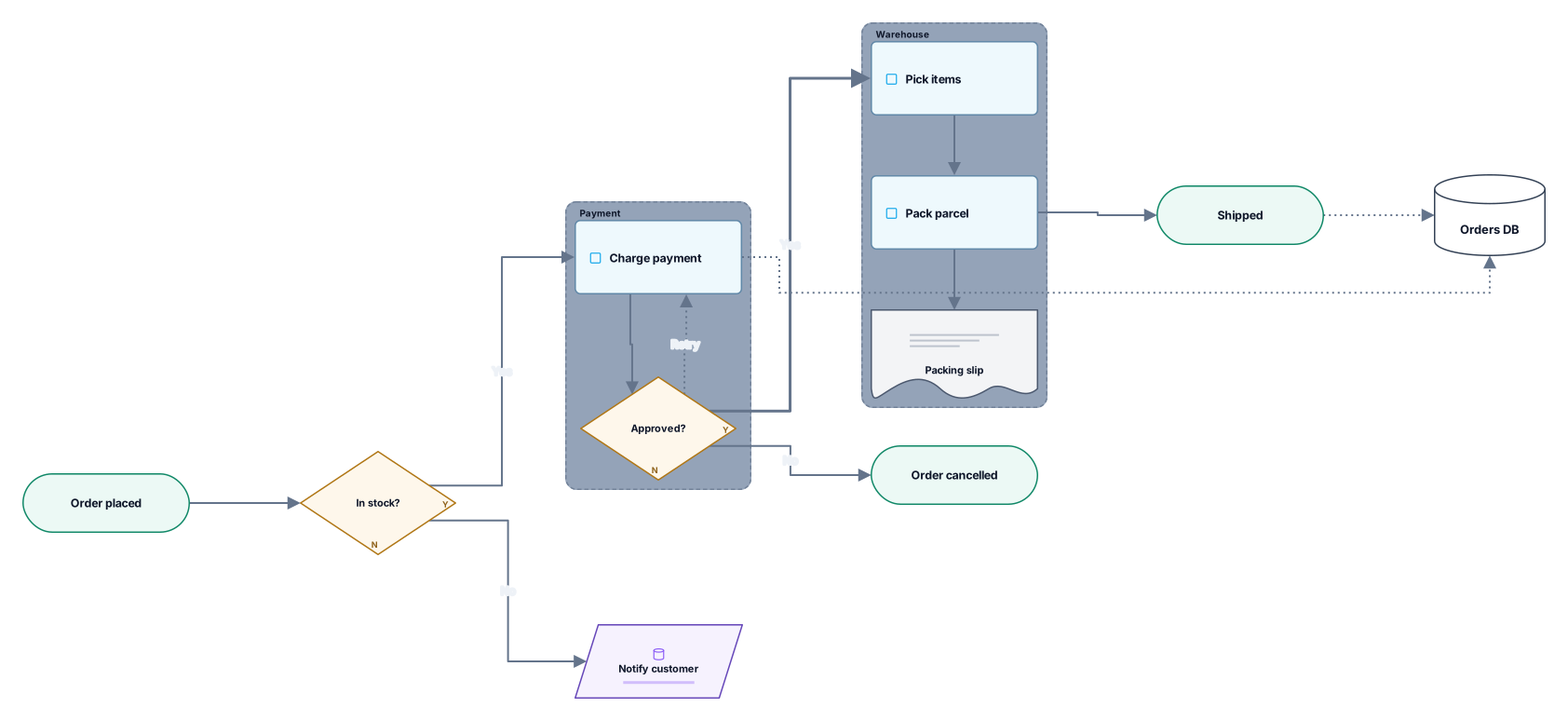
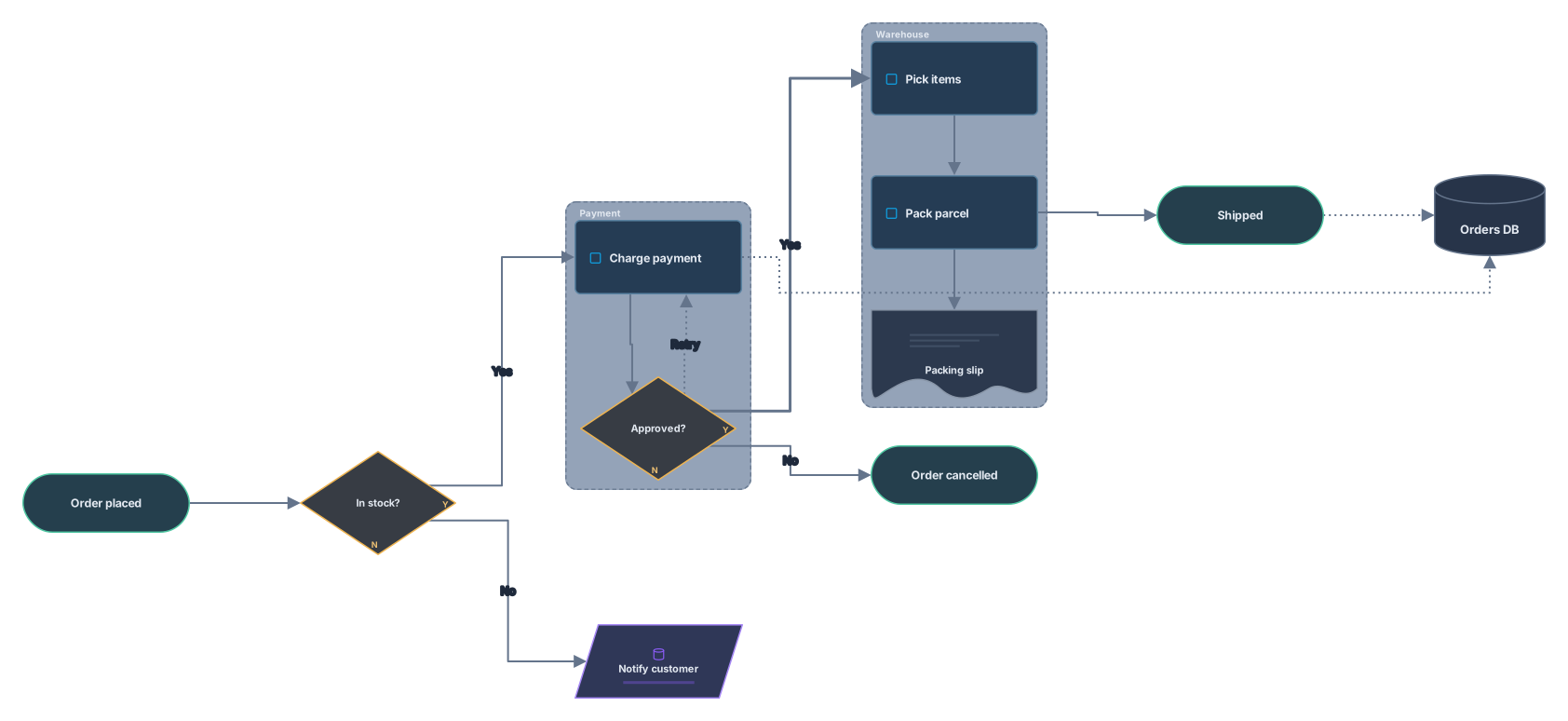
How it works
Paste your Mermaid code
Code from a Markdown file, a README or an AI chat. A mermaid code fence around it and a config block at the top are fine.
See an editable diagram
Flowchart nodes become flowchart shapes such as process, decision and document, subgraphs become frames, and ER entities become table cards.
Open it in Archboard
Save it as a new diagram to move and restyle shapes, add notes, share a link, or export SVG and PNG. Signing up takes a Google or GitHub account.
What’s drawn from Mermaid code
These parts of your code become editable diagram elements:
flowchartgraphflowchart and graph diagrams, flowchart-elk included, with every node and its label. Font Awesome prefixes such as fa:fa-car are removed from labels.
@{ shape }Node shapes, written with brackets or the newer shape syntax, map to flowchart elements: process, decision, terminator, data, document, preparation, manual input and connector. Shapes with no flowchart match become the closest basic shape, such as a cylinder, or a process box.
subgraphSubgraphs as frames around their nodes, nested subgraphs included. An empty subgraph is left out.
-->-.->==>Arrows with their labels, solid, dotted or thick, including chains such as A --> B --> C and fan-outs such as A --> B & C.
erDiagramerDiagram entities as table cards that list each attribute with its type and PK, FK or UK key, and relationships with their cardinality. Non-identifying relationships are dashed.
TDLRThe flowchart direction, TD, TB, LR, RL or BT, sets which way the diagram flows.
Supported Mermaid diagram types
Flowcharts (flowchart and graph) and entity relationship diagrams (erDiagram) are converted today. sequenceDiagram, classDiagram, stateDiagram, gantt, pie, mindmap, timeline, gitGraph and the newer types aren’t converted yet: the tool names the type it found instead of drawing a wrong flowchart.
What a Mermaid import leaves out
- Sequence, class, state, Gantt, pie, mindmap and other diagram types. Only flowcharts and ER diagrams are converted for now.
- Colors and fonts from classDef, style, linkStyle and class: the diagram starts with Archboard styles, which you can change on the canvas.
- Icons and images on nodes: icon and img settings are dropped, and the label is kept.
- A live link to your code: editing the canvas doesn’t change the Mermaid code, and later edits to the code don’t update the diagram.
Questions about Mermaid diagrams
Can I paste Mermaid code from ChatGPT, Claude or another AI chat?
Yes. Copy the code block as it is, with or without its mermaid fence, and paste it. If the code has a syntax error, the message shows the line, so you can fix it yourself or ask the chat for a corrected version.
Which Mermaid diagrams are supported?
flowchart and graph, with subgraphs and the newer shape syntax, and erDiagram. For other types, such as sequenceDiagram or classDiagram, the tool tells you the type isn’t supported yet rather than guessing.
What happens to classDef and style lines?
They’re skipped and counted in the warnings, so the diagram starts with Archboard’s own look. Once it’s open in Archboard, you can recolor, resize and restyle any shape.
What happens when I open the diagram in Archboard?
The preview on this page isn’t saved. When you select Open in Archboard, the diagram you see, with its shapes, labels and connections, is saved as a new diagram in your workspace, where you can rearrange, annotate, share or export it. It’s a starting point: later changes to your Mermaid code don’t update it.
Is the Mermaid converter free?
Yes. Pasting Mermaid code and viewing the diagram needs no account. Opening it in Archboard needs a free account.
Open a canvas in a minute
Sign in with Google or GitHub. Free for a single seat. Upgrade when the team joins.