

Thinking
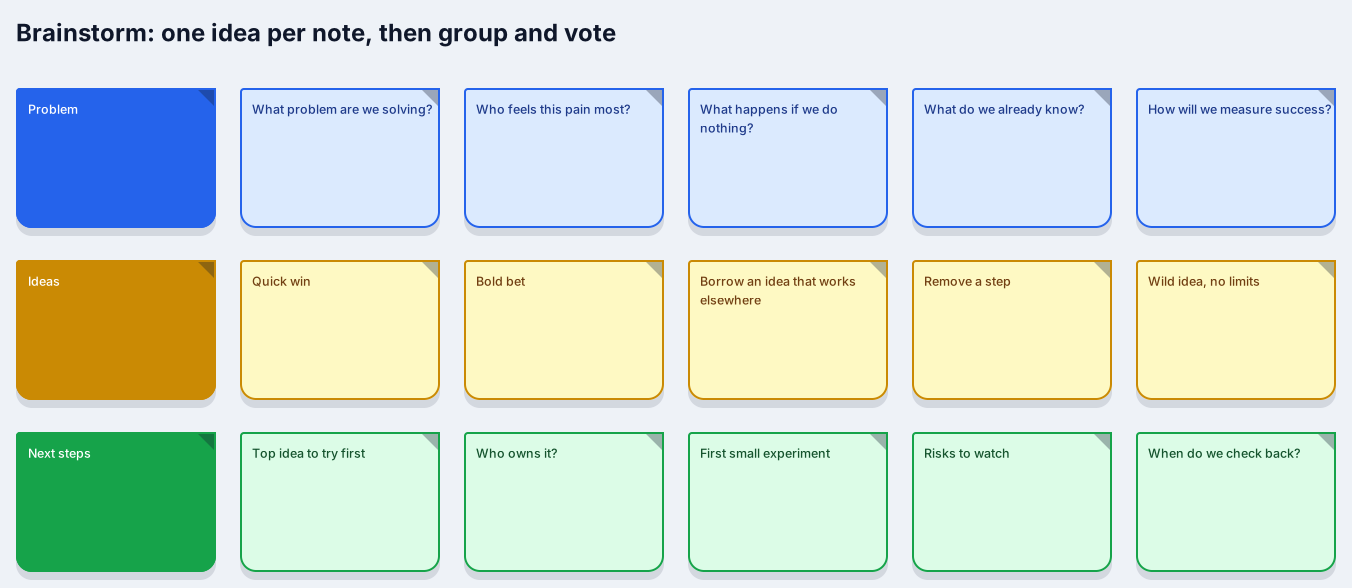
Sticky notes for problem, ideas and next steps
Works on the Free plan: 15 diagram nodes + 150 notes, text, stickers & mind map topics per diagram.
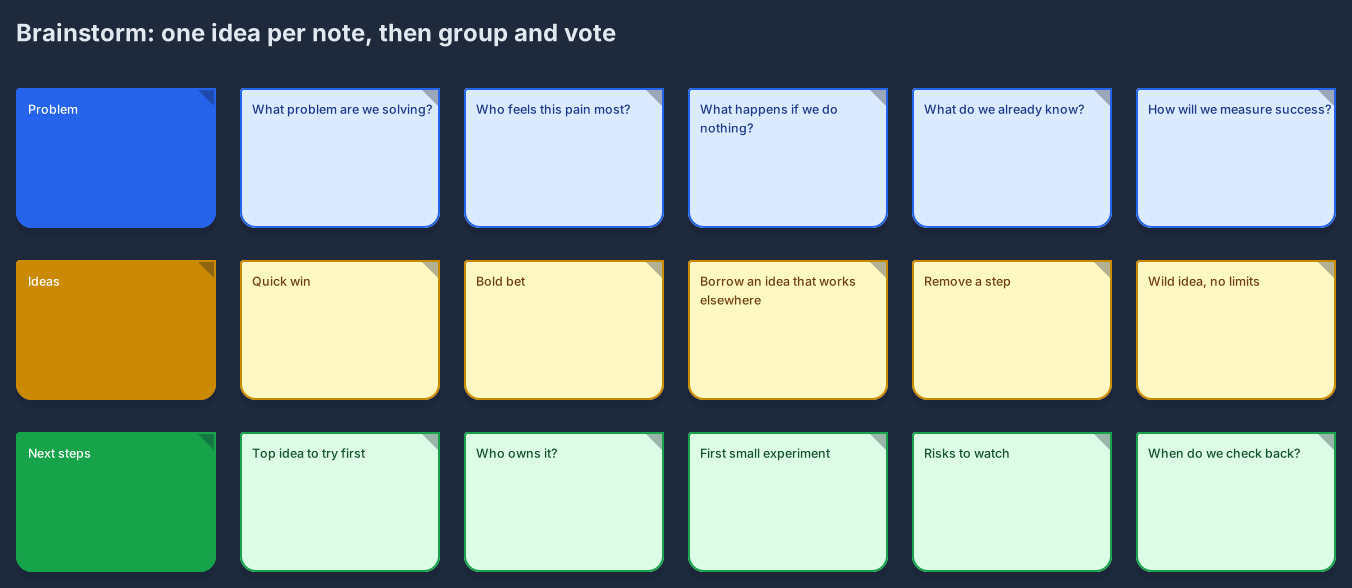
A brainstorm works best when every idea gets its own sticky note and the room agrees on the question before anyone starts writing. This template gives you three rows on one board: the problem you are solving, the ideas that answer it, and the next steps you will actually take.
Each row starts with five prompt notes, so a quiet group still has something to react to. Replace the prompts with real answers, add as many notes as you like, recolour them by theme, and drop a sticker on the ideas that win the vote. When the session ends, the board stays a structured diagram you can share instead of a photo of a wall.
Open the template and rewrite the problem notes in your own words, one question per note.
Add ideas in the middle row. Keep one idea per note so you can move, group, and recolour them later.
Mark the strongest ideas with a sticker or a different note colour, and drag the losers aside rather than deleting them.
Turn the top idea into next steps with an owner and a date, then share the board link with everyone who was in the room.
Yes. Teammates with edit access add notes at the same time and see each other’s live cursors, and anyone with the public link can watch. The board autosaves and keeps revisions.
On Free, each diagram allows 15 diagram nodes plus a separate 150 for notes, text, stickers, and mind map topics. A busy brainstorm fits comfortably, and Pro removes the limits.
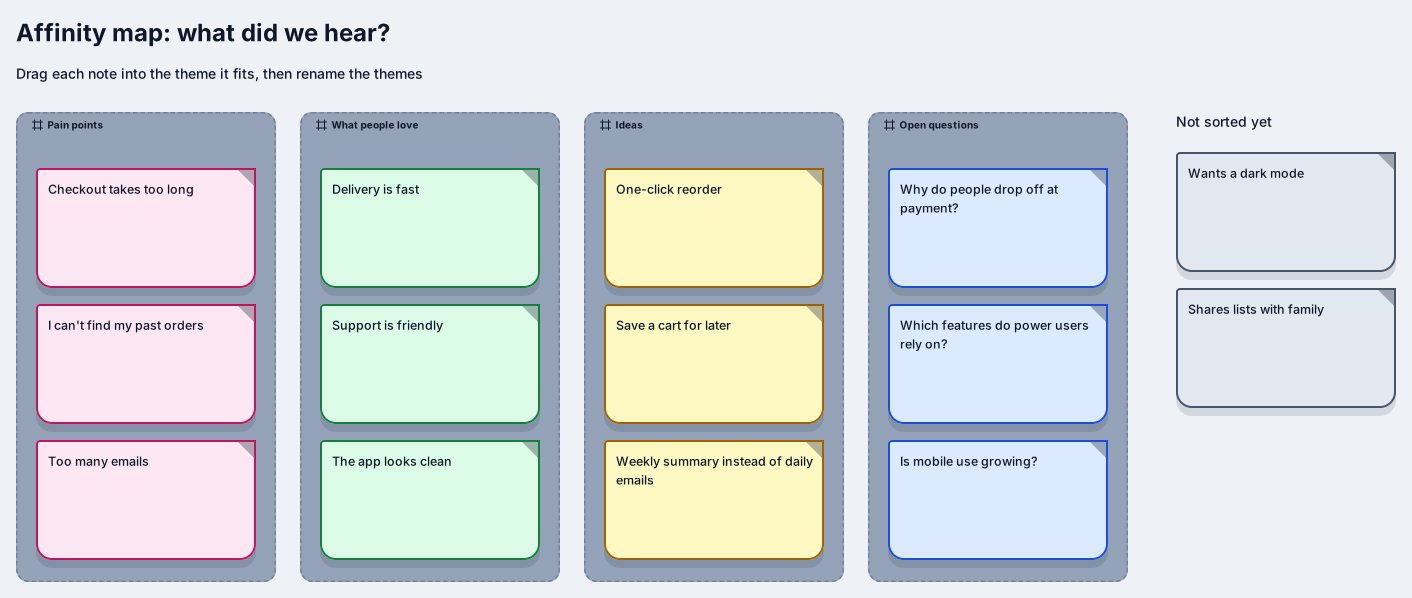
Related use case
Brainstorming boardsSign in with Google or GitHub. Free for a single seat. Upgrade when the team joins.