Works on the Free plan: 15 diagram nodes + 150 notes, text, stickers & mind map topics per diagram.
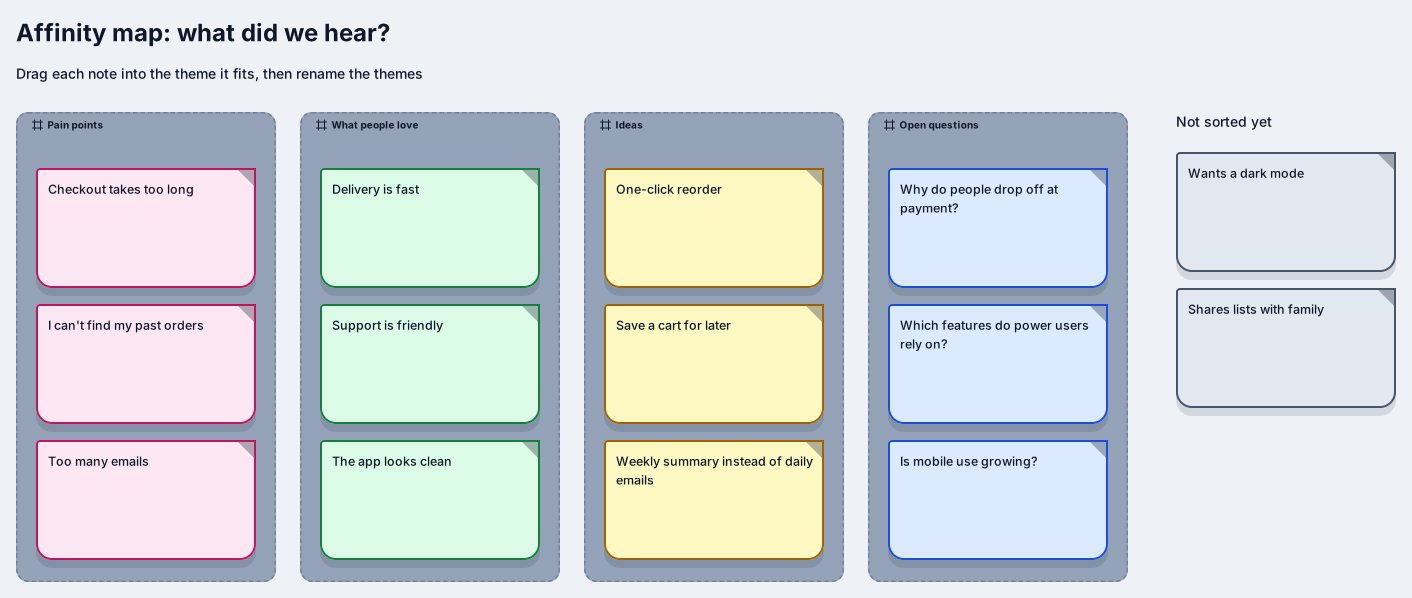
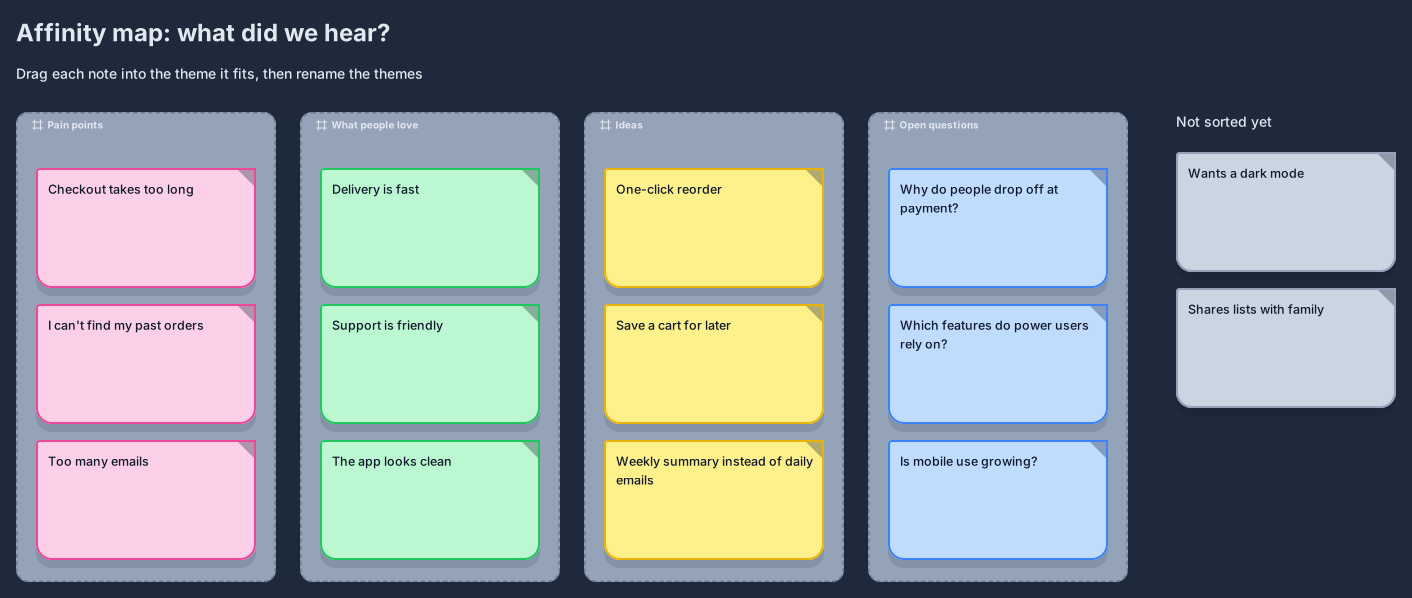
An affinity map turns a pile of research notes into a handful of themes you can act on. This template starts with four columns, pain points, what people love, ideas, and open questions, plus a column of notes that have not been sorted yet.
The sample notes come from an online shop study, so you can see the method before you paste in your own findings. Drag each note into the column it fits, rename the columns when a better theme appears, and keep the unsorted pile visible until it is empty. The result is a summary your team can scan in a minute.
Replace the sample notes with your own observations, one quote or finding per note.
Drag notes into the column where they belong, and create a new column when several notes share a theme the template does not have.
Rename each column so it reads like a finding, for example “Payment is confusing”, not just “Payment”.
Mark the themes that matter most with a sticker or colour, and share the board with the people who will act on it.
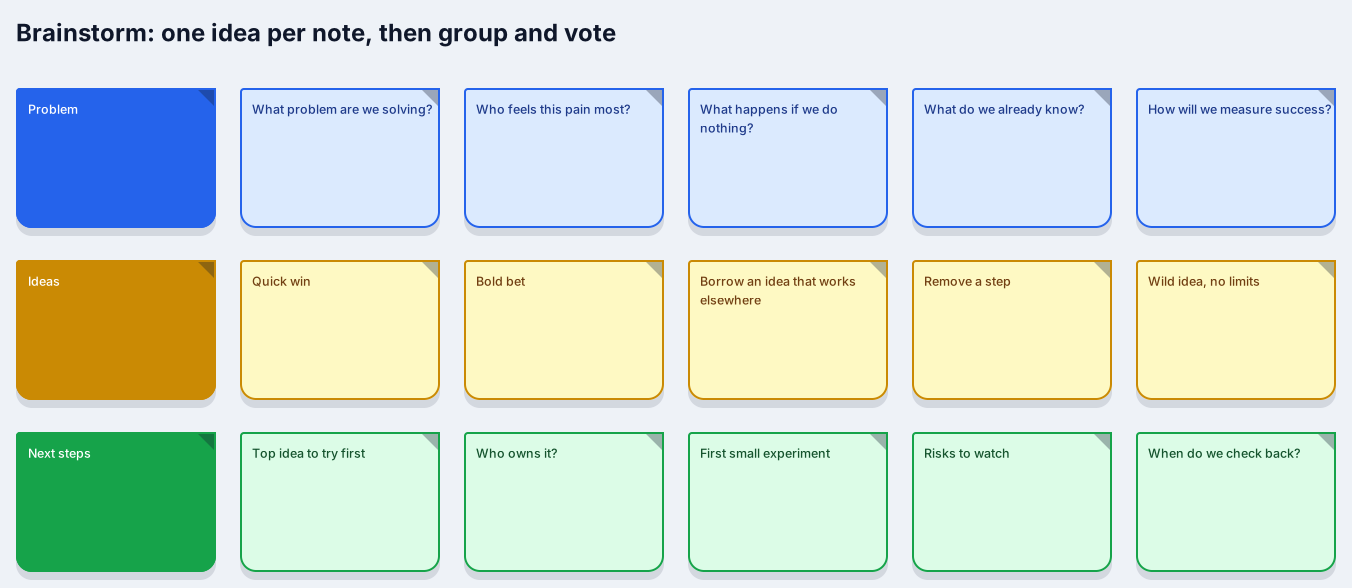
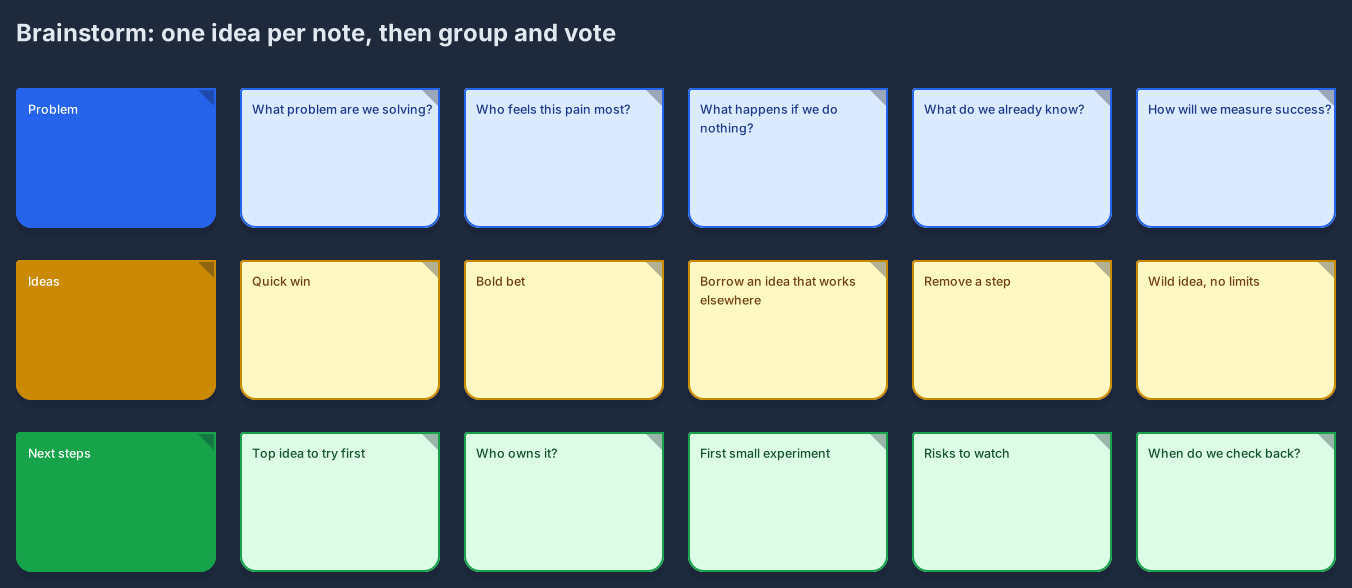
A brainstorm generates new ideas from a question. An affinity map starts from material you already collected and sorts it bottom-up into themes. Many teams use the brainstorm template first and then group the result with this one.
Yes. Add a note or a text block with links to recordings or documents. On Free, a Markdown block counts toward the 15 diagram nodes, while notes, text, stickers, and mind map topics share a separate allowance of 150 per diagram.


Related use case
Brainstorming boardsSign in with Google or GitHub. Free for a single seat. Upgrade when the team joins.