Infographic
Six milestones from kickoff to launch day, with the numbers behind the plan
Works on the Free plan: 15 diagram nodes + 150 notes, text, stickers & mind map topics per diagram.
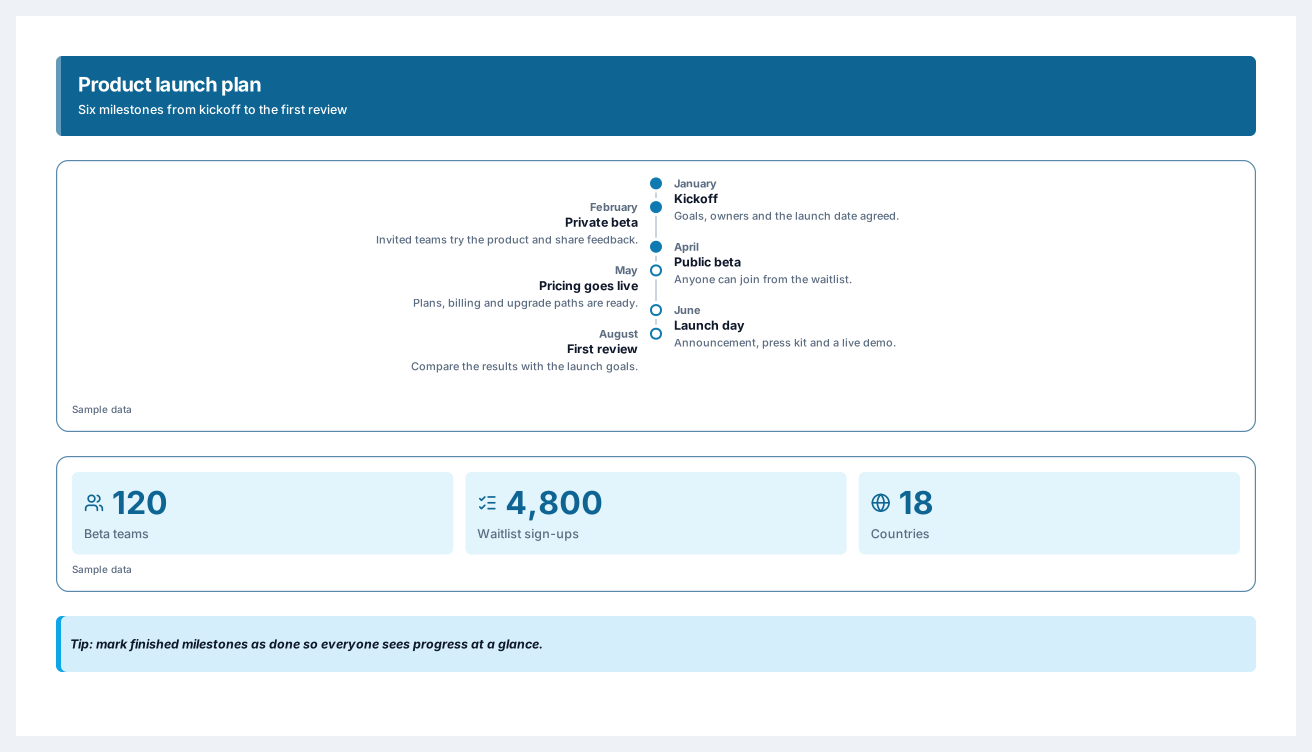
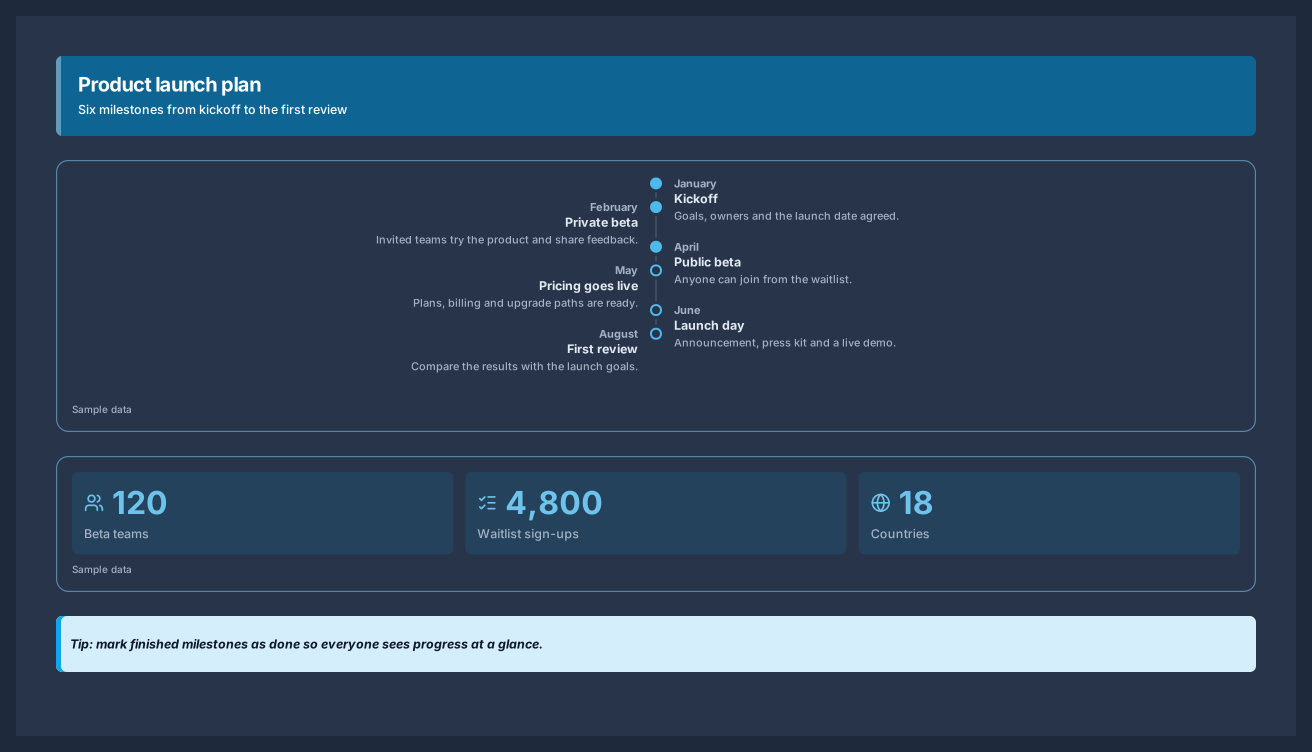
A launch timeline shows what happens when, from the first kickoff to the review after launch. This template places six milestones on an alternating timeline, adds three numbers that matter for the launch, and ends with a tip, so the whole plan fits on one poster you can pin in a channel or present in a meeting.
Each milestone has a date, a title, and a short description, and finished milestones are marked as done with a filled marker. The timeline is a single block, so adding or moving a milestone keeps the spacing even, and the number cards below stay aligned to the poster grid.
Replace the six milestones with the phases of your plan and set a date for each one.
Mark finished milestones as done so everyone sees the progress at a glance.
Update the three number cards under the timeline with the targets your team tracks.
Share the live link with stakeholders, or export the poster for a slide or a printed plan.
Yes. Switch the block between horizontal, vertical, and alternating layouts. Horizontal suits up to seven milestones, while vertical and alternating layouts comfortably hold up to ten.
No. Dates are text you type, so you can write a month, a quarter, or an exact day. Update the milestones as the plan changes and the poster keeps its layout.
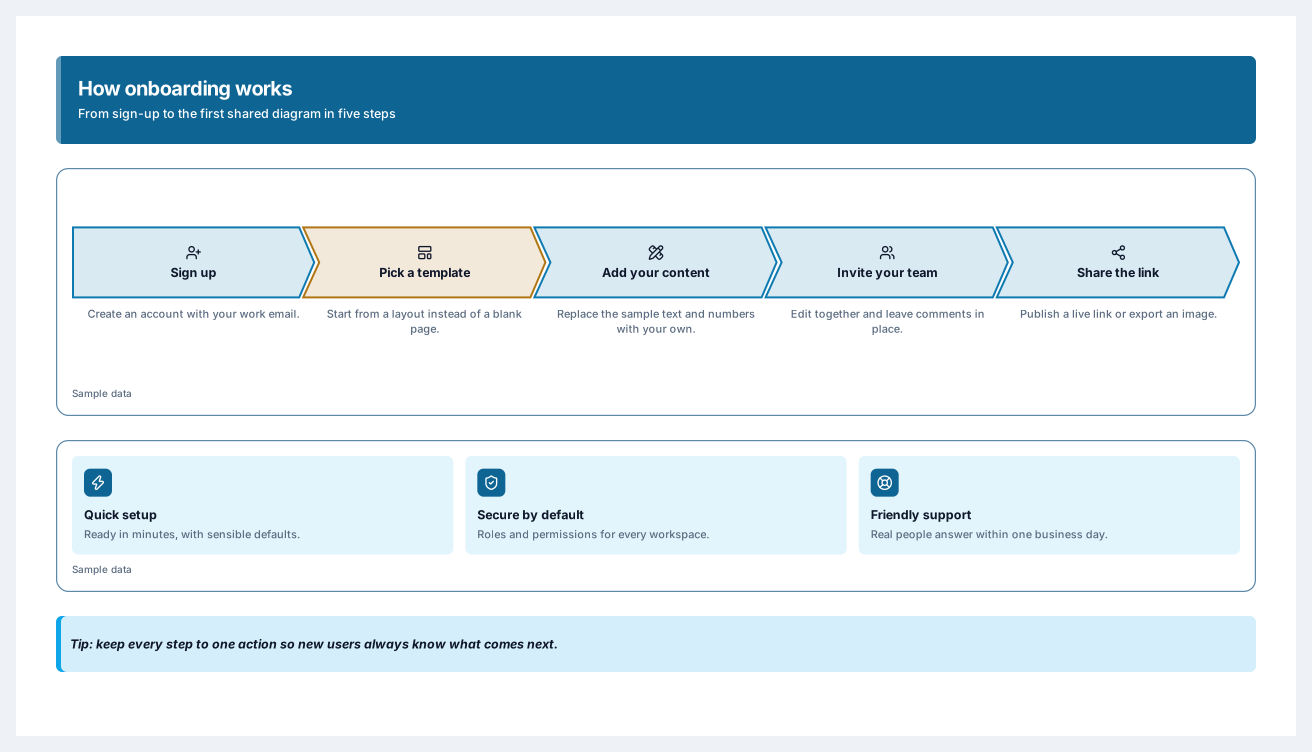
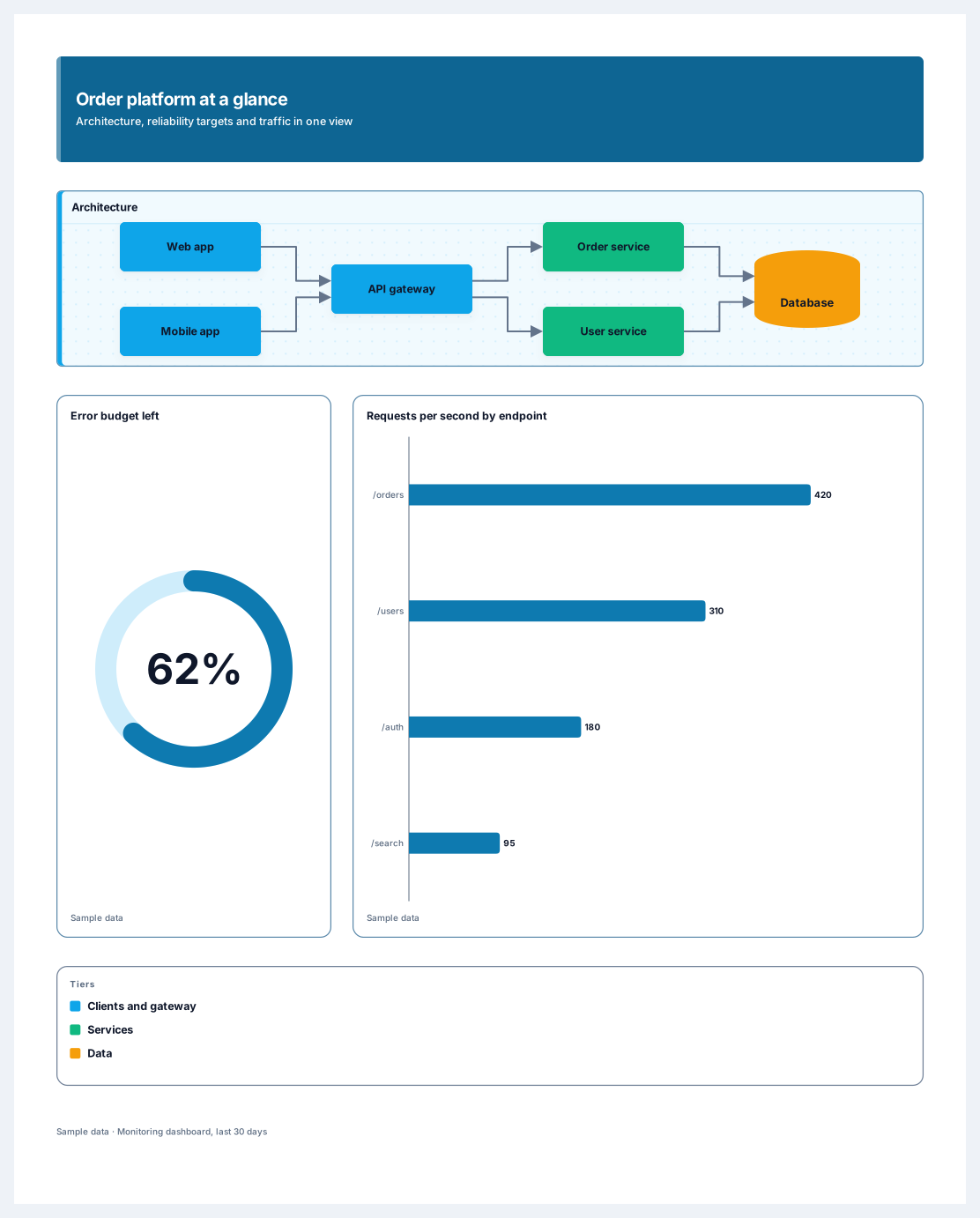
An architecture diagram, reliability targets and traffic on one poster
13 nodes
Sign in with Google or GitHub. Free for a single seat. Upgrade when the team joins.