Infographic
Survey highlights with charts, a respondent quote and the source
Works on the Free plan: 15 diagram nodes + 150 notes, text, stickers & mind map topics per diagram.
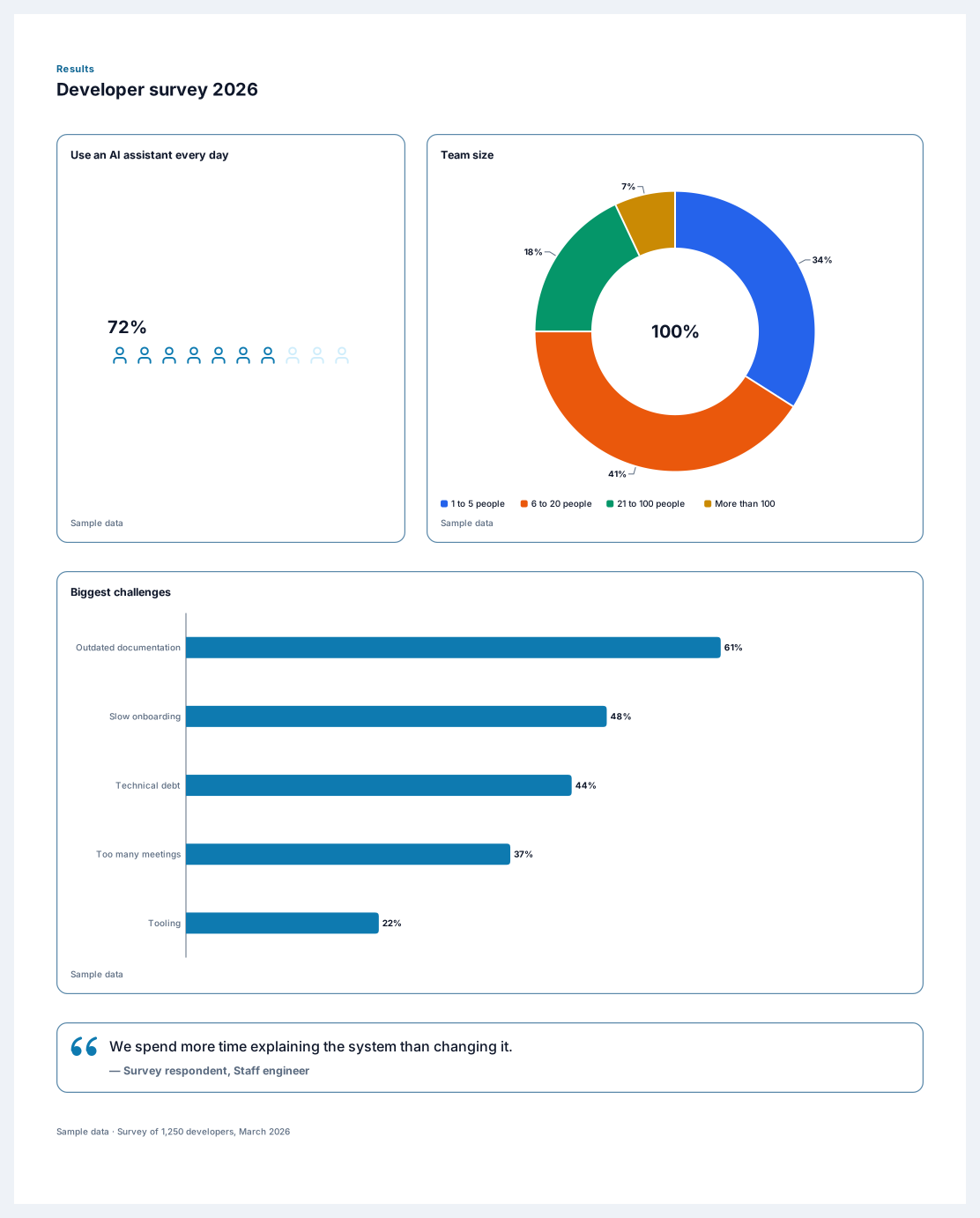
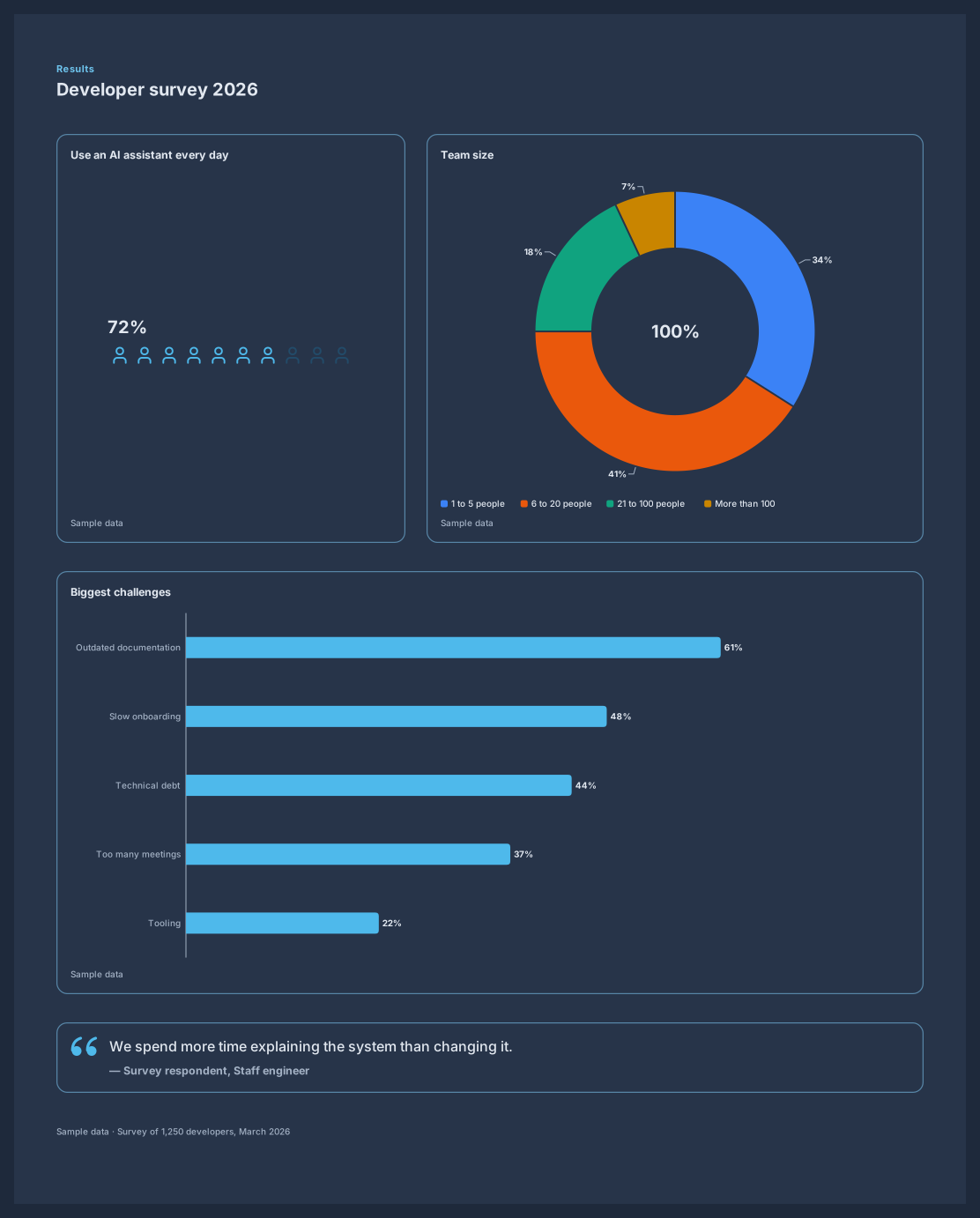
A survey results infographic turns a spreadsheet of answers into a page people will read. This template opens with a section title, shows a headline share as a row of person icons next to a donut chart, ranks the biggest challenges in a bar chart, and adds a quote from a respondent and the source of the data.
The charts are smart blocks: paste your answer counts or percentages into each block table and the bars, slices, and icons redraw. The sample figures stay marked as sample data until you replace them, and the source line tells readers how many people answered and when.
Rename the section title with the name and year of your survey.
Enter your results in each chart data table, either as counts or as percentages.
Choose a quote that captures the main finding and add the role of the person who said it.
Update the source line with the number of respondents and the survey date, then export or share the poster.
Either works. With the percent format, type 34 for 34 percent. If your spreadsheet stores shares such as 0.34, multiply them by 100 first or switch the block to the number format.
For percentages they should. If the slices add up to much more or less than 100, check whether a category is missing or counted twice. A donut shows up to six slices and groups the smallest ones as Other.
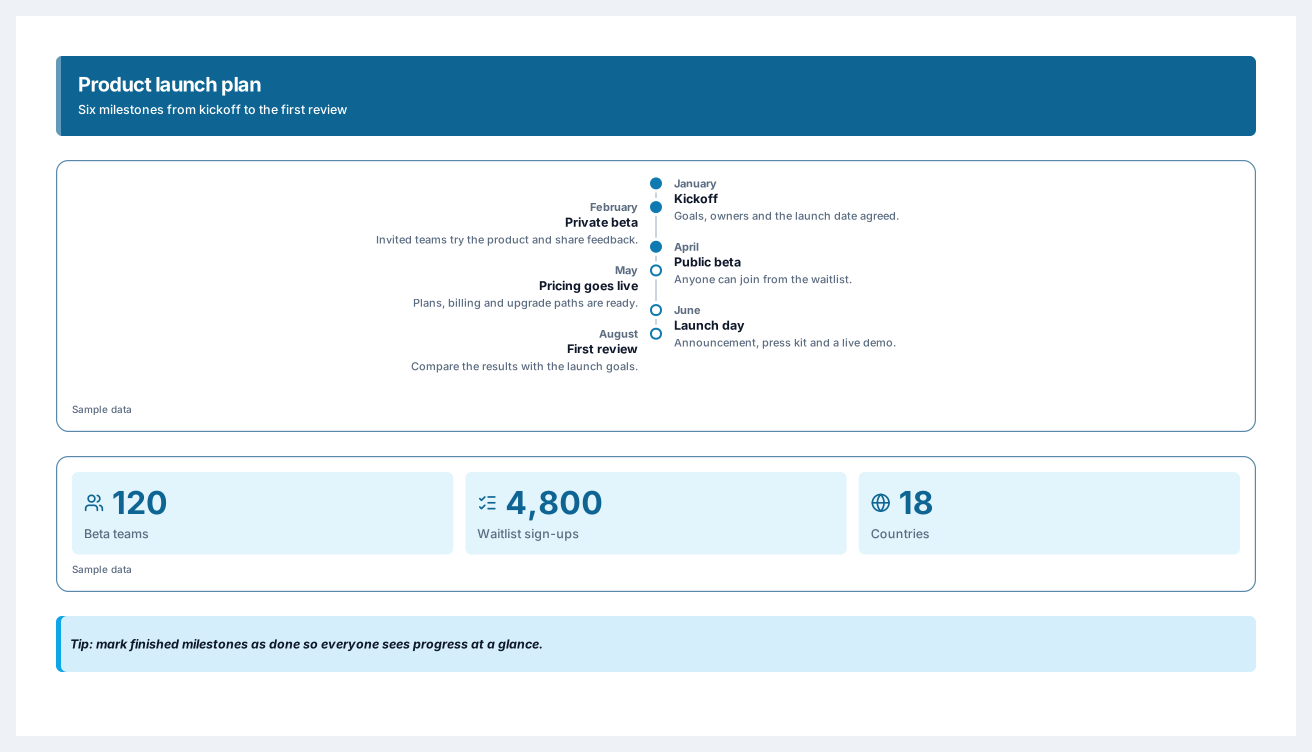
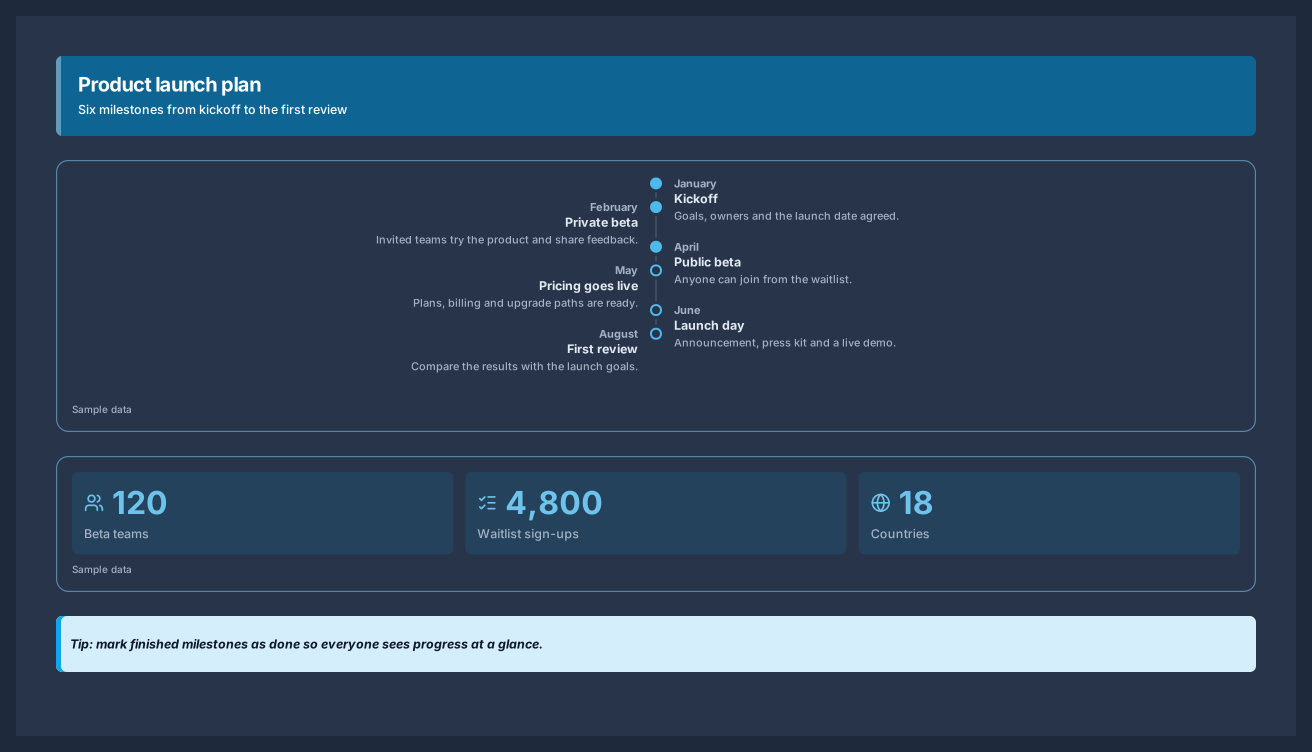
Six milestones from kickoff to launch day, with the numbers behind the plan
5 nodes
Sign in with Google or GitHub. Free for a single seat. Upgrade when the team joins.