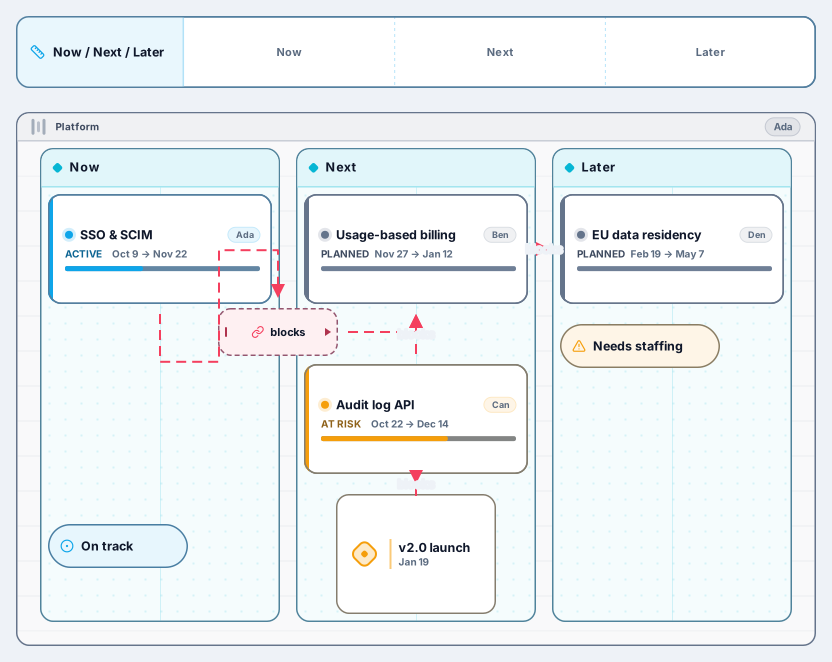
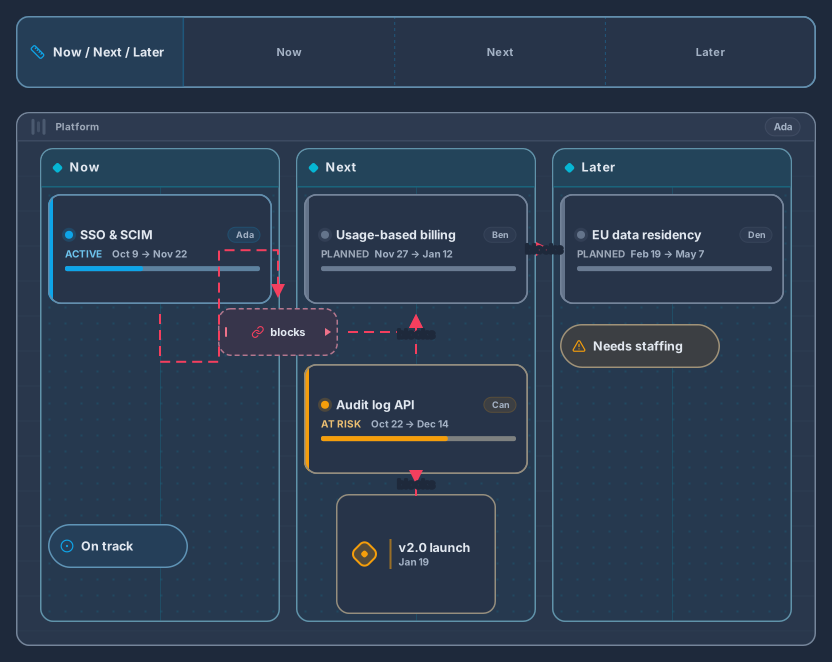
Now / Next / Later Roadmap
Swimlane with Now, Next and Later columns, epics and milestones
13 nodes
- Roadmap
Planning
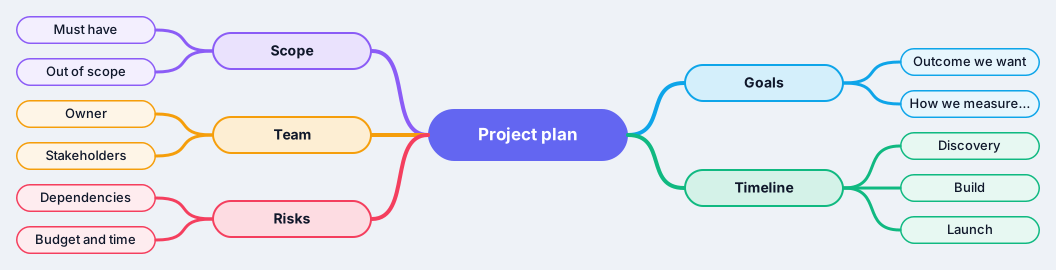
Goals, scope, timeline, team and risks on one map
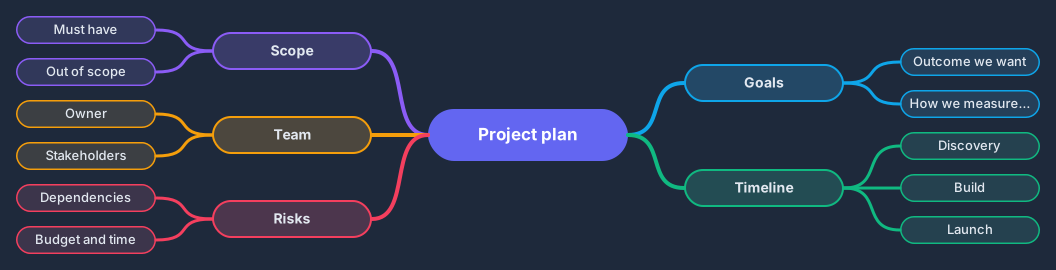
Works on the Free plan: 15 diagram nodes + 150 notes, text, stickers & mind map topics per diagram.
Most project plans fail on the questions nobody asked at the start. This mind map covers them on one page: goals, scope, timeline, team, and risks, each as a branch with starter topics such as the outcome you want, what is out of scope, who owns the work, and which dependencies could slow you down.
Fill in the branches together with the team and the gaps become obvious, an empty risks branch or a scope with no out-of-scope list. Because the map lays itself out as you type, the plan stays readable even as it grows, and you can turn the finished branches into tickets or a roadmap.
Rename the central topic to your project name and write the outcome you want under goals.
Expand scope with must-haves and an explicit out-of-scope list, using Tab for children and Enter for siblings.
Add phases under timeline, owners and stakeholders under team, and every known dependency under risks.
Review the map with the team, save a named revision, and share the link where the project is discussed.
The blank map gives you four generic branches to explore any idea. This one is opinionated: it asks the planning questions in a fixed order so you finish with a usable project plan, not just a brainstorm.
Yes. Open the now, next, later roadmap template in a second diagram, or insert it into the same one from Search and insert (⌘K, Ctrl+K, or /), and copy the timeline topics across as epics.
Swimlane with Now, Next and Later columns, epics and milestones
13 nodes
Related use case
Mind map makerSign in with Google or GitHub. Free for a single seat. Upgrade when the team joins.