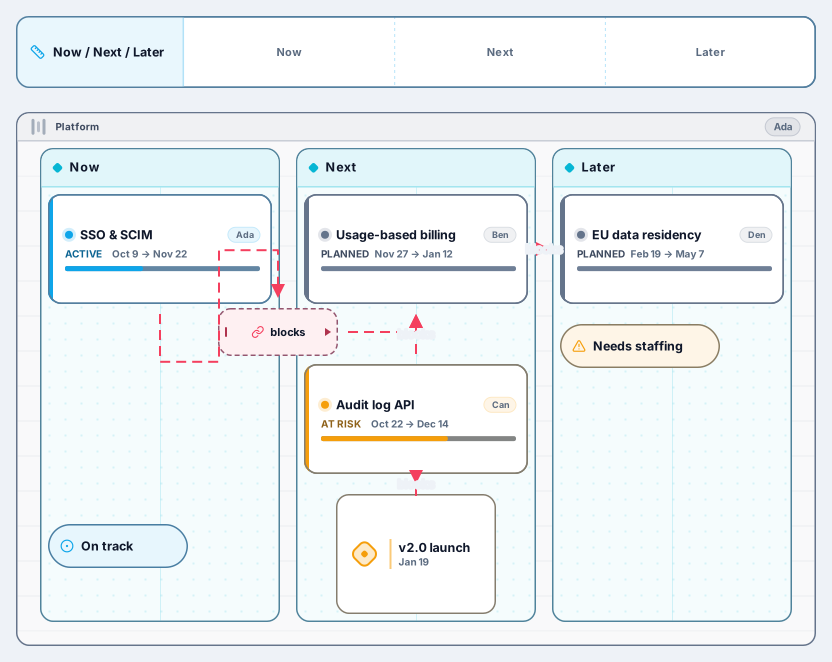
Now / Next / Later Roadmap
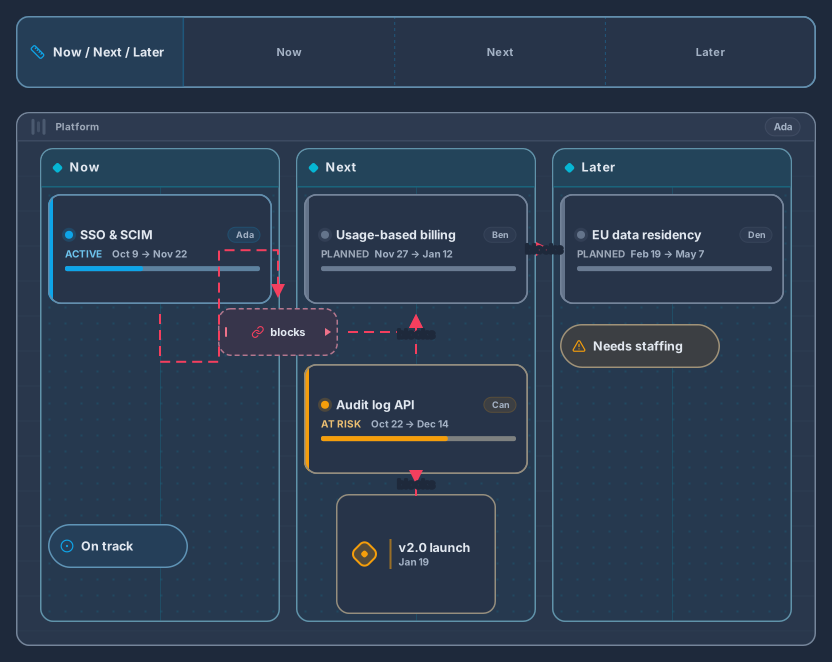
Swimlane with Now, Next and Later columns, epics and milestones
13 nodes
- Roadmap
Planning
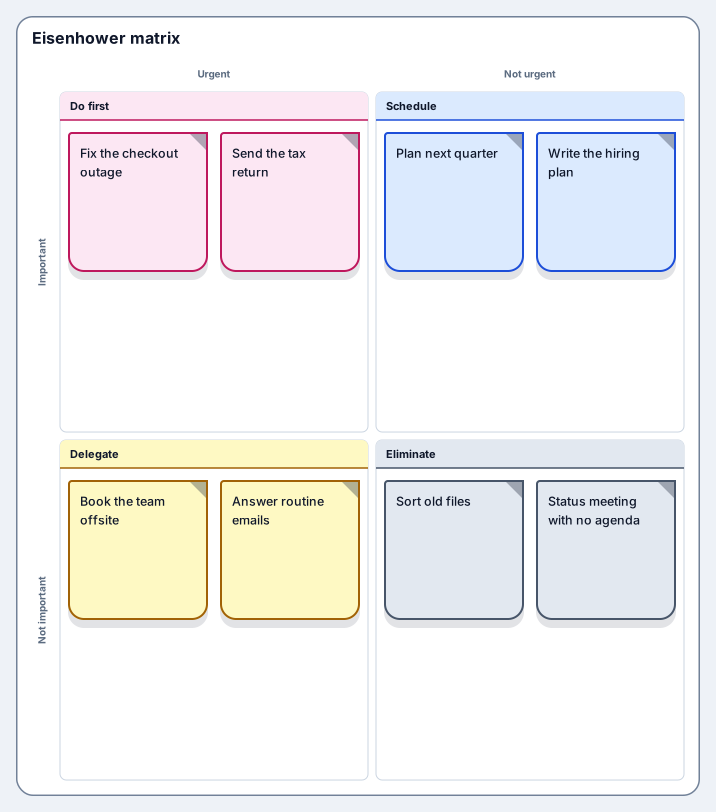
Sort tasks by urgency and importance
Works on the Free plan: 15 diagram nodes + 150 notes, text, stickers & mind map topics per diagram.
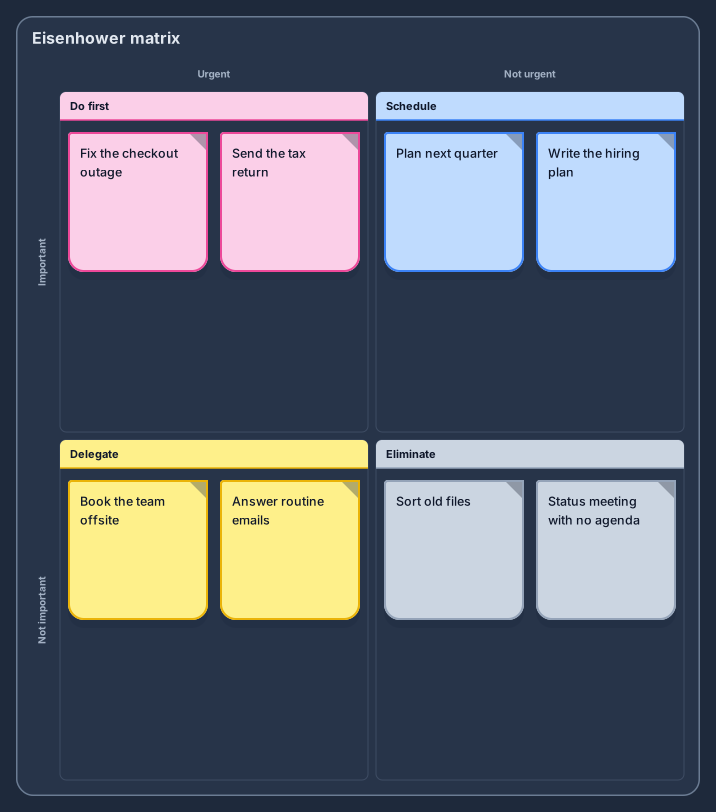
The Eisenhower matrix sorts tasks by two questions: is it urgent, and is it important? This template opens a two-by-two board with the four classic quadrants, do now, schedule, delegate, and eliminate, and two sample tasks in each, from fixing an outage to a status meeting with no agenda.
Writing every task as a note and dragging it into a quadrant forces an honest decision about it. The quadrant under the cursor lights up as you drag, the board grows when the list does, and the result is a clear picture of what deserves your time this week and what can go.
Write every open task on its own note, without sorting yet.
Drag each note into a quadrant by asking whether it is urgent and whether it is important.
Do the urgent and important tasks first, put a date on the important ones, and hand off or drop the rest.
Revisit the board each week, and save a revision when your priorities change.
Tasks that are urgent but not important for you personally. They still need to happen, but someone else can do them, so add the name of the person who takes each one.
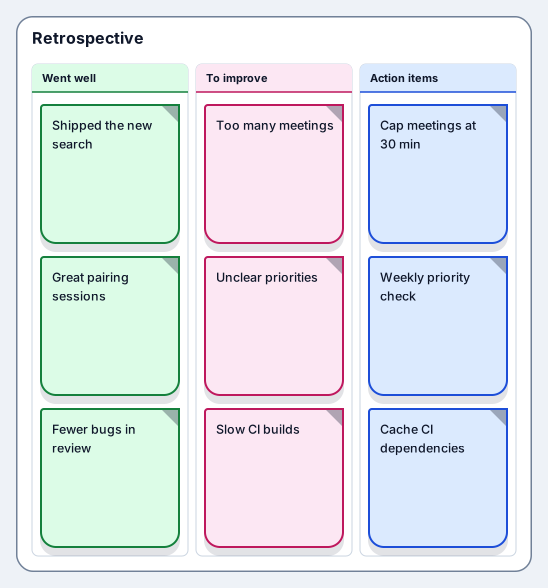
Yes. Teams use it to sort a shared backlog or the action items from a retrospective; share the board link so everyone sees the same priorities.
Swimlane with Now, Next and Later columns, epics and milestones
13 nodes
Sign in with Google or GitHub. Free for a single seat. Upgrade when the team joins.