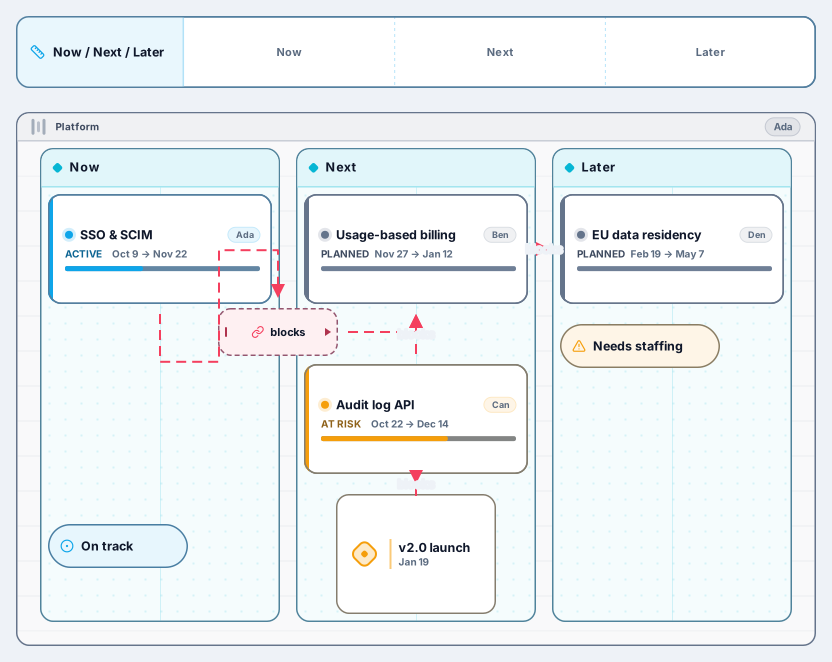
Now / Next / Later Roadmap
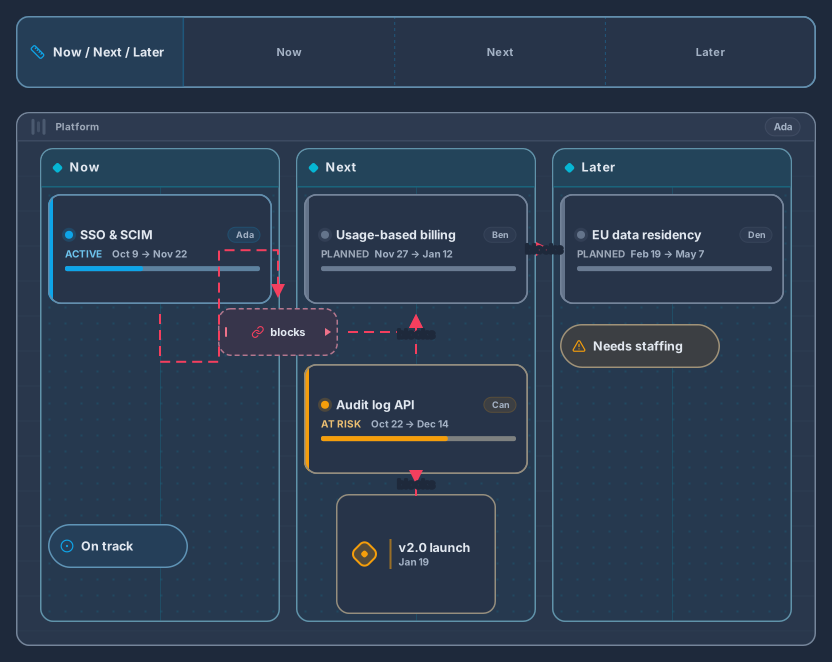
Swimlane with Now, Next and Later columns, epics and milestones
13 nodes
- Roadmap
Planning
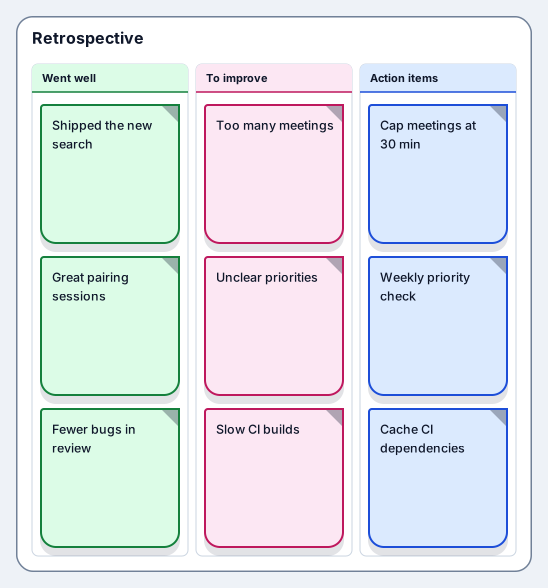
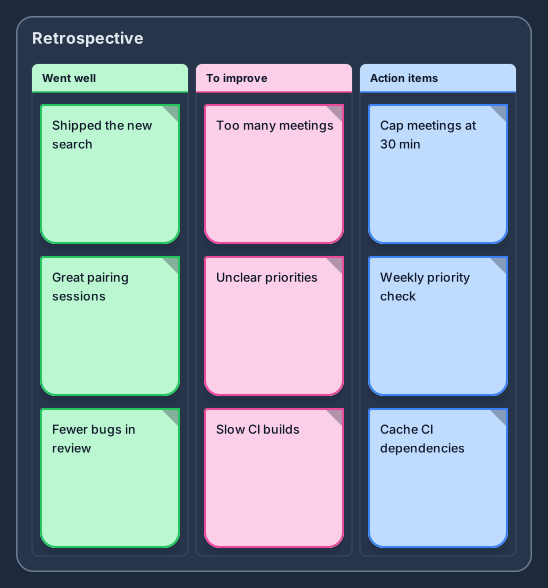
What went well, what to improve and action items
Works on the Free plan: 15 diagram nodes + 150 notes, text, stickers & mind map topics per diagram.
A retrospective is a short meeting where a team looks back at a sprint or a project and decides what to change. This template opens a board with three columns, what went well, what to improve, and action items, with three sample notes in each, from a shipped feature to slow CI builds.
Notes stay in their columns, the column under the cursor lights up as you drag, and the board grows as the team adds observations. Because the board autosaves and keeps revisions, the action items are still there at the next retro, which is usually where follow-through breaks down.
Ask everyone to add notes to the first two columns, one observation per note, before discussing them.
Group similar notes, talk through the biggest themes, and mark the ones to act on with a sticker or a stamp.
Write at most three action items, each with an owner and a date.
Share the board link with the team, and open it again at the start of the next retrospective.
Yes. The Boards pack in the library also includes start, stop, continue, the 4Ls, and mad, sad, glad as ready-made boards, so you can change the format from one retro to the next.
Keep the list short, give every item an owner, and begin each retro by reviewing the previous board. Revision snapshots show how the list changed over time.
Swimlane with Now, Next and Later columns, epics and milestones
13 nodes
Related use case
Retrospective boardsSign in with Google or GitHub. Free for a single seat. Upgrade when the team joins.