Infographic
Compare two options side by side with a scorecard and two key numbers
Works on the Free plan: 15 diagram nodes + 150 notes, text, stickers & mind map topics per diagram.
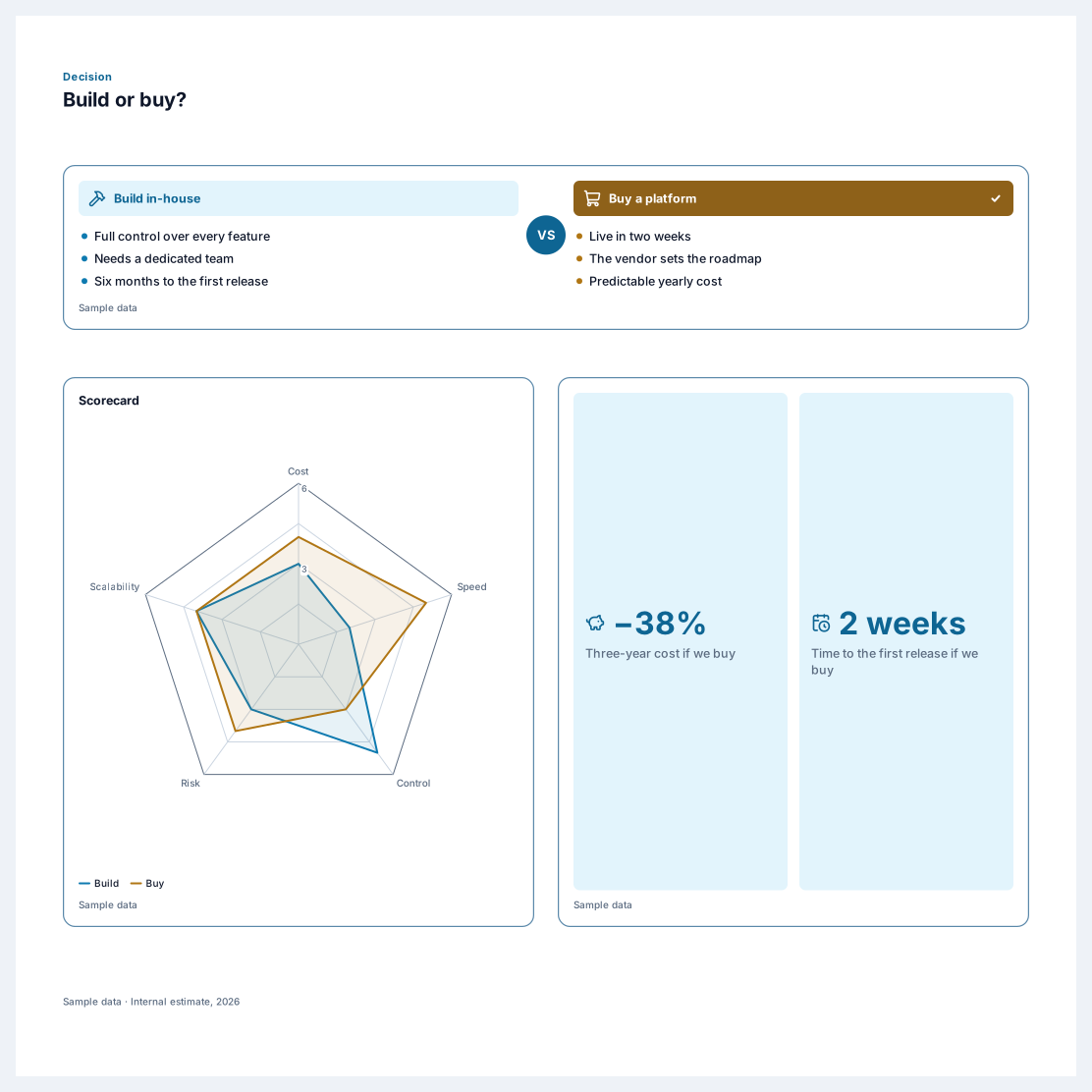
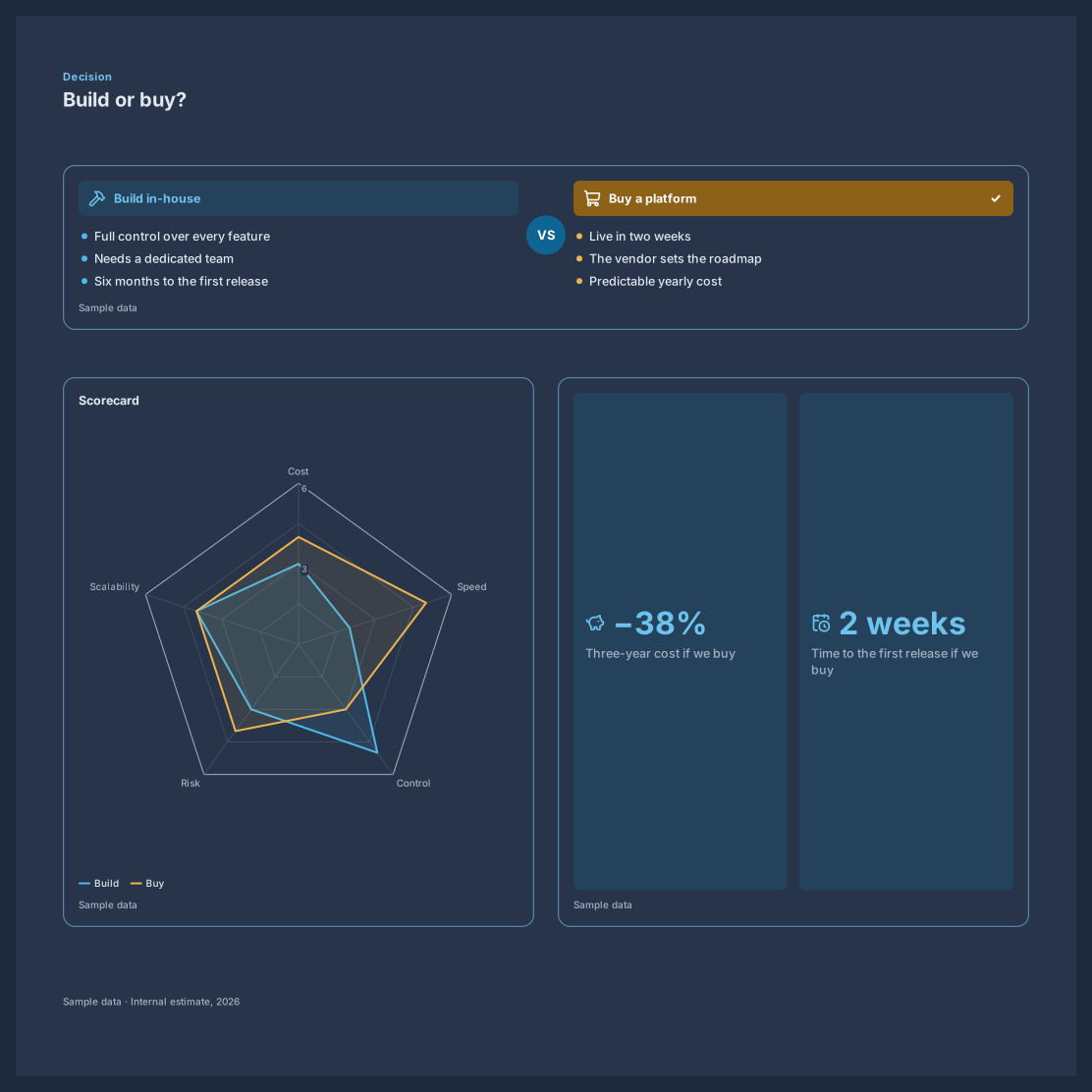
An A/B comparison infographic helps a team choose between two options with the trade-offs in plain view. This template sets the two options side by side, scores them on five criteria in a radar chart, and adds two key numbers that usually settle the decision, such as cost and time to launch.
Use it for build or buy choices, vendor shortlists, pricing plans, or two versions of a design. The comparison block keeps both sides aligned and marks the winner with a check, and the radar chart draws both options in contrasting colours so the shape of each trade-off is easy to read.
Name the two options and list three to six points for each side.
Score both options from 1 to 5 on each criterion in the radar chart table, and rename the criteria to fit your decision.
Replace the two key numbers with the figures that matter most, such as cost, time, or conversion rate.
Mark the winning side, then share the poster with the people who make the call.
The comparison block holds two sides. For three options, use the radar chart, which shows up to three series clearly, and add a short list for the details.
Yes. The comparison block has a before and after style that replaces the VS badge with an arrow, which suits process changes and redesigns.
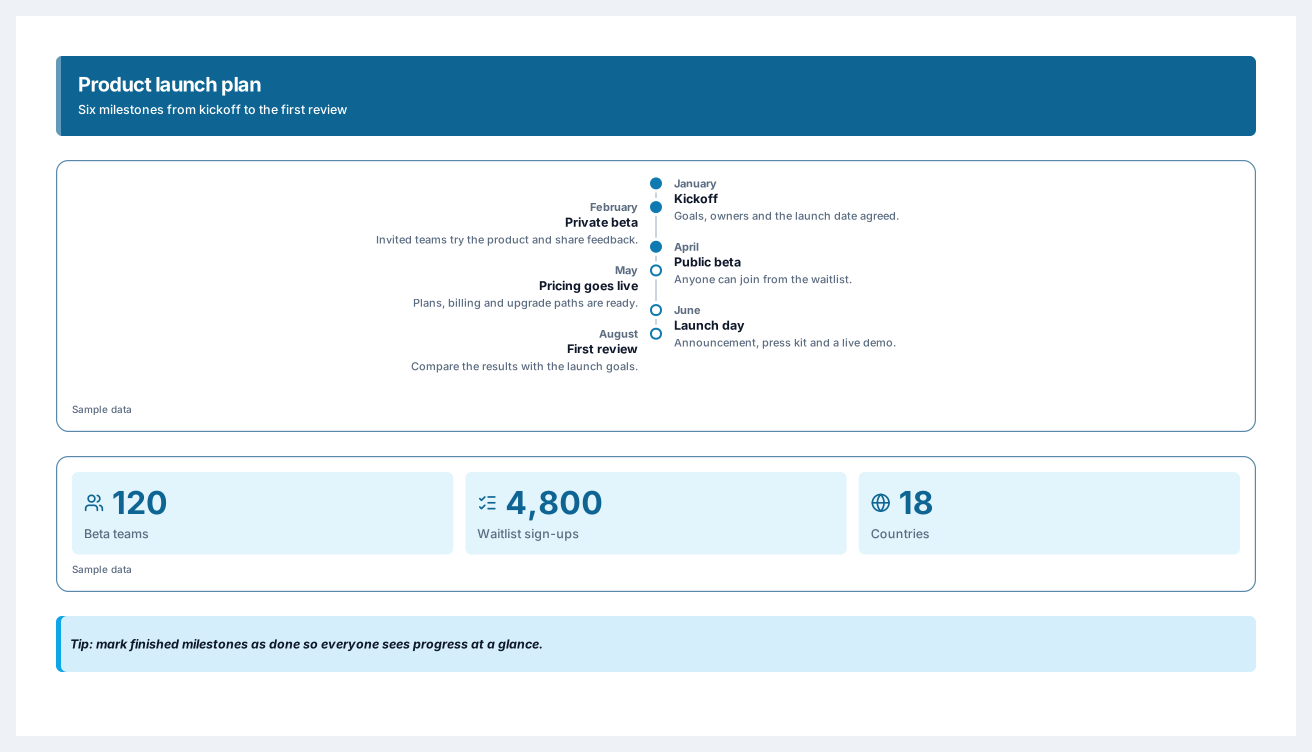
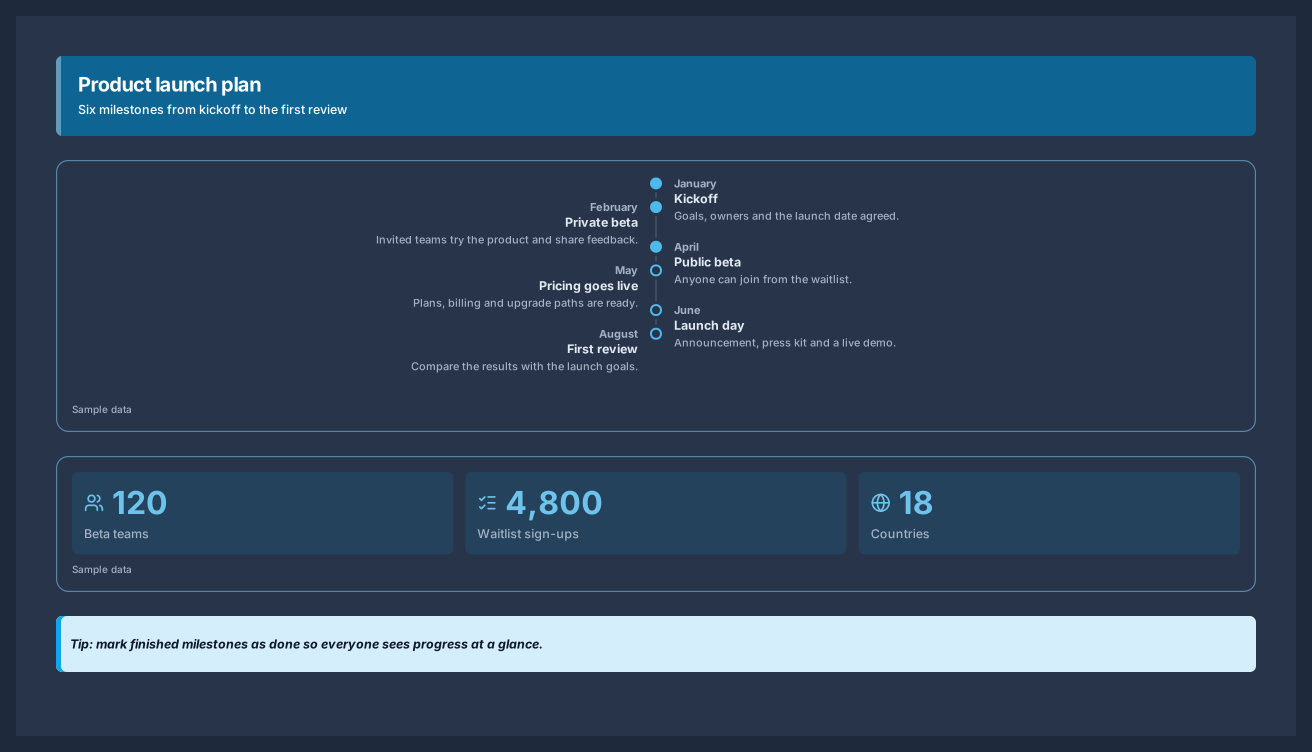
Six milestones from kickoff to launch day, with the numbers behind the plan
5 nodes
Sign in with Google or GitHub. Free for a single seat. Upgrade when the team joins.